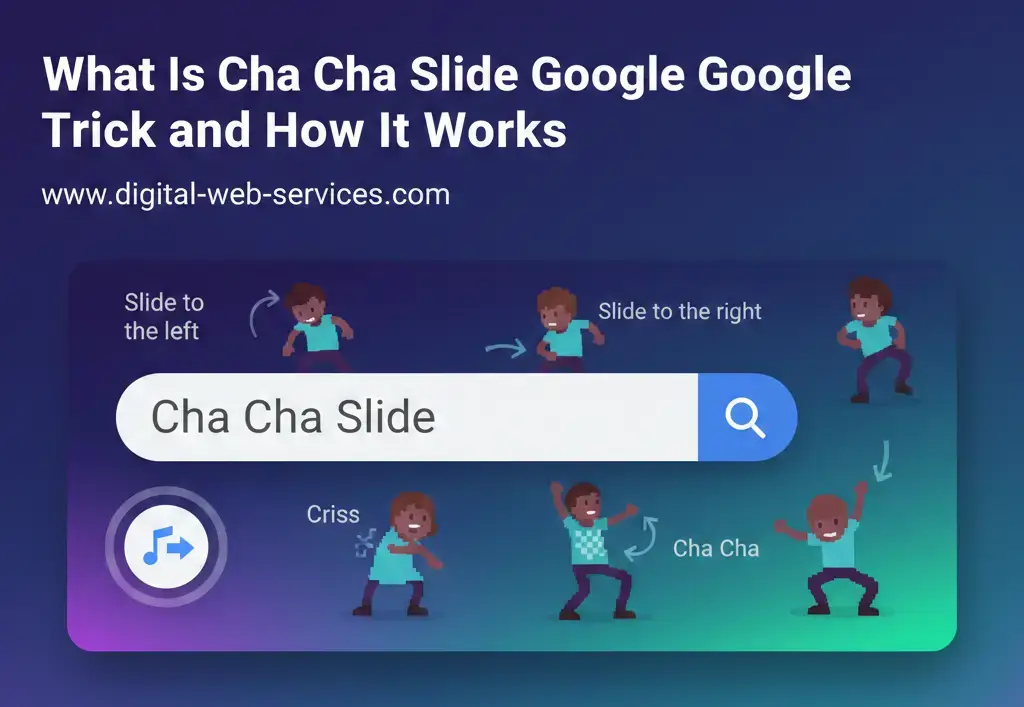
If you’ve seen your screen spinning while searching something on Google, you probably came across the Cha Cha Slide Google trick. It’s one of those hidden Google Easter eggs that surprises users and makes search a little more fun.
Let’s break it down in simple words.
What Is the Cha Cha Slide Google Trick?
The Cha Cha Slide Google trick is a fun Google Easter egg that makes your browser screen rotate or move when you search specific phrases. It’s inspired by the famous dance track “Cha Cha Slide” by DJ Casper.
When you type certain commands into Google, the screen responds with animations that match the dance instructions like:
- “Slide to the left”
- “Slide to the right”
- “Cha cha real smooth”
It doesn’t change your search results. It just adds a playful animation effect.
How Does the Cha Cha Slide Google Trick Work?
Here’s how you can try the Cha Cha Slide Google trick:
- Open Google in your browser.
- Type “Cha Cha Slide Google trick” or “slide to the left google”.
- Press Enter.
- Watch your screen rotate or shift.
Google uses built-in animation scripts in its search engine. These scripts are triggered when users type specific keywords. It’s part of Google’s hidden features known as Google tricks or Google Easter eggs.
The animation is powered by CSS and JavaScript inside Google Search. That’s why it works instantly without installing anything.
Why Did Google Create the Cha Cha Slide Trick?
Google is known for adding hidden surprises in its search engine. These are called Google Easter eggs. They are designed to:
- Make search more interactive
- Keep users engaged
- Celebrate pop culture moments
- Show off creative web animations
The Cha Cha Slide trick fits into this list of fun Google tricks that include:
- “Do a barrel roll”
- “Askew”
- “Zerg rush”
- “Google gravity”
These tricks don’t affect your device. They are completely safe.
Does the Cha Cha Slide Google Trick Still Work?
Many users search for:
- Does Cha Cha Slide Google trick still work?
- Is the Cha Cha Slide Google Easter egg removed?
- Why is Cha Cha Slide Google trick not working?
Sometimes Google updates its interface. That means certain tricks may not work in all browsers or devices. If it doesn’t work:
- Try using Google Chrome
- Clear your browser cache
- Make sure JavaScript is enabled
If it still doesn’t respond, the feature may have been temporarily disabled.
Is the Cha Cha Slide Google Trick Safe?
Yes. The Cha Cha Slide Google trick is completely safe. It:
- Does not download anything
- Does not harm your computer
- Does not collect personal data
- Only triggers a visual animation
It’s simply a fun built-in Google feature.
Other Popular Google Tricks You Can Try
If you enjoy the Cha Cha Slide Google trick, you might like these chach chach slide moves too:
- Type “Do a barrel roll”
- Type “Askew”
- Search “Google gravity”
- Search “Zerg rush”
These are part of Google’s collection of hidden search tricks that make the browsing experience entertaining.
| Also Read: How to Play Google Earth Day Quiz – A Step-by-Step Guide
FAQs About Cha Cha Slide Google Trick
1. What is the Cha Cha Slide Google trick?
It is a hidden Google Easter egg that makes your screen move or rotate when certain phrases are searched.
2. How do I activate the Cha Cha Slide Google trick?
Go to Google and type related commands like “slide to the left google” and press Enter.
3. Why is the Cha Cha Slide Google trick not working?
It may depend on browser version, device type, or Google updates. Try using Chrome or refreshing the page.
4. Is the Cha Cha Slide Google trick real?
Yes. It is a real Google Easter egg feature created for fun.
5. Does the Cha Cha Slide Google trick work on mobile?
It may not work on all mobile browsers. Desktop browsers usually support it better.
6. Is the Cha Cha Slide Google trick harmful?
No. It is safe and does not affect your device or data.
Final Thoughts
The Cha Cha Slide Google trick is a fun and creative hidden feature inside Google Search. It shows how even a search engine can surprise users with playful animations.
If you enjoy discovering hidden Google tricks and Easter eggs, this is definitely one to try. Open Google, type the command, and watch your screen slide just like the dance.

Maria Jain is a Senior Content Strategist and Tech Editor at Digital Web Services, with over 6+ years of experience covering digital marketing, website development, and search engine optimization. She specializes in WordPress site architecture, AI technologies, Web Hosting, topical authority models, and hands-on SaaS & affiliate tool reviews. Maria combines data-driven SEO practices with deep web design and technical insights to publish transparent guides, tool comparisons, and strategic tutorials for digital growth.