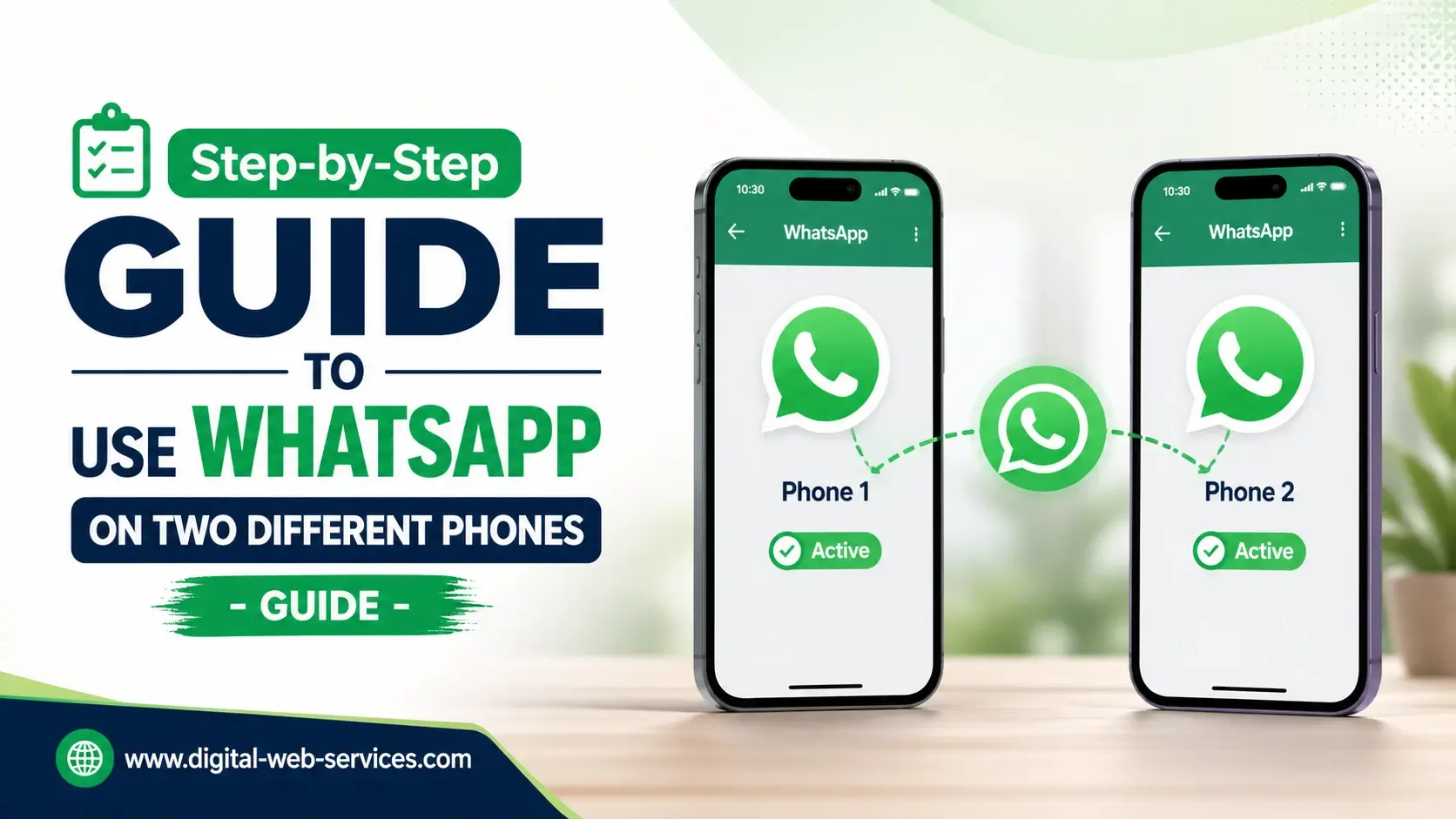
If you want to use your WhatsApp account on two different phones, the easiest and official way is through WhatsApp Companion Mode. This feature allows you to link up to four additional devices and sync your chats in real time. Even better, your second phone stays connected even if your primary phone is offline.
To get started, install WhatsApp on your second phone, choose the “Link as companion device” option, and scan the QR code using your main phone. Within seconds, your chats, media, and conversations will appear on both devices.
This method is safe, fast, and supported by WhatsApp itself, making it the best way to use WhatsApp on multiple devices without logging out or losing data.
What Is WhatsApp Companion Mode and How Does It Work?
WhatsApp Companion Mode is a feature that lets you use one WhatsApp account across multiple devices.
Key Benefits:
- Use WhatsApp on two phones simultaneously
- Sync messages in real-time
- Works even if your main phone is not connected
- End-to-end encryption ensures privacy
This is part of WhatsApp’s multi-device feature, designed for flexibility and convenience.
How to Link a Second Phone to WhatsApp Step-by-Step?
Follow these simple steps to use WhatsApp on two phones:
Step 1: How to Prepare Your Second Phone?
- Download and install WhatsApp
- Open the app and select your language
- Tap Agree and Continue
- Important: Do NOT enter your phone number
- Tap the three dots (Android) or find options (iPhone)
- Select “Link as Companion Device”
- A QR code will appear
Step 2: How to Use Your Primary Phone to Link?
- Open WhatsApp on your main phone
- Go to:
- Android: Menu (3 dots) → Linked Devices
- iPhone: Settings → Linked Devices
- Tap “Link a Device”
- Authenticate using fingerprint, face unlock, or PIN
Step 3: How to Scan and Sync Chats?
- Scan the QR code shown on your second phone
- Wait a few seconds
- Your chats, contacts, and media will sync automatically
What Are the Requirements to Use WhatsApp on Two Phones?
To use this feature smoothly, make sure:
- You have the latest version of WhatsApp
- Both devices have a stable internet connection (initially)
- Your primary phone is active at least once every 14 days
What Are the Limitations of Using WhatsApp on Multiple Phones?
While this feature is powerful, there are a few limitations:
- Live location sharing may not work on companion devices
- Broadcast list creation/viewing is limited
- Some advanced settings may only be available on the main device
How Secure Is WhatsApp Multi-Device Feature?
Security remains strong with:
- End-to-end encryption on all devices
- QR code-based secure linking
- Ability to log out remotely from any device
You can remove access anytime from the Linked Devices section.
Real Workflow Example (Information Gain Section)
Here’s how people actually use this feature in daily life:
Example:
- A business owner uses WhatsApp on:
- Personal phone (primary device)
- Office phone (companion device)
Result:
- Replies to customers from both devices
- No need to switch phones
- Messages stay synced in real-time
This improves productivity and response time—especially useful for freelancers, marketers, and small businesses.
Pro Tips to Use WhatsApp on Two Phones Efficiently
- Keep notifications enabled on both devices
- Regularly check linked devices for security
- Use WhatsApp Web as a backup option
- Avoid linking unknown or public devices
| Also Read: Step-by-step Guide to Lock Your WhatsApp Web in Desktop Version
FAQs
Q: Can I use WhatsApp on two phones with the same number?
Yes, you can use the same WhatsApp number on multiple phones using Companion Mode without logging out.
Q: Does WhatsApp work on the second phone without the primary phone?
Yes, once linked, your second phone can work independently, but you must use the primary phone at least once every 14 days.
Q: Is it safe to use WhatsApp on multiple devices?
Yes, WhatsApp uses end-to-end encryption, ensuring all chats remain private and secure.
Q: How many devices can I link to WhatsApp?
You can link up to four additional devices along with your primary phone.
Q: Can I unlink a second phone anytime?
Yes, you can log out or remove any linked device from the “Linked Devices” section.
Conclusion
Using WhatsApp on two different phones is now simple, thanks to Companion Mode. With just a QR code scan, you can sync chats, stay connected, and manage conversations from multiple devices easily. Whether for personal use or business needs, this feature offers flexibility, security, and convenience.

Maria Jain is a Senior Content Strategist and Tech Editor at Digital Web Services, with over 6+ years of experience covering digital marketing, website development, and search engine optimization. She specializes in WordPress site architecture, AI technologies, Web Hosting, topical authority models, and hands-on SaaS & affiliate tool reviews. Maria combines data-driven SEO practices with deep web design and technical insights to publish transparent guides, tool comparisons, and strategic tutorials for digital growth.