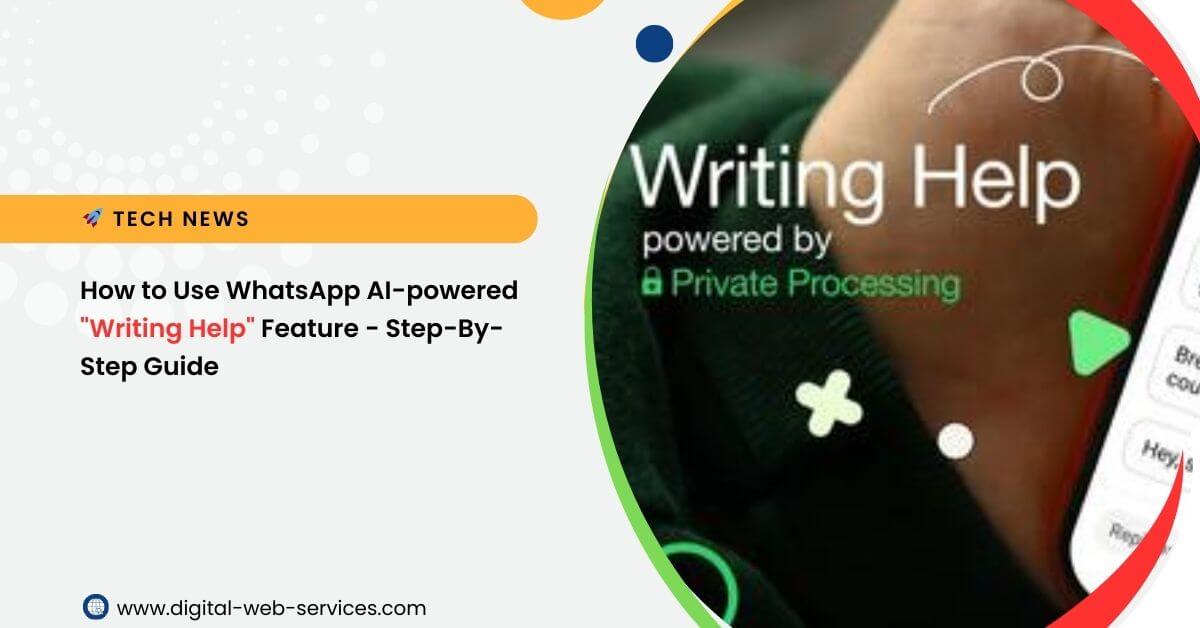
WhatsApp has introduced a new AI-powered “Writing Help” feature to assist users in rephrasing messages and adjusting their tone. Here’s a quick guide on how to use it:
How WhatsApp’s AI Writing Help Feature Works:
- Start Typing: Begin drafting your message in a one-on-one or group chat.
- Tap the Pencil Icon: A new pencil icon will appear above the keyboard. Tap on it.
- Get Suggestions: The AI will provide you with different options to rephrase your message. These suggestions can be in various tones, such as professional, funny, or supportive.
- Choose or Edit: You can select one of the AI-generated suggestions to replace your original text, or you can continue to edit the suggestion to your liking before sending it.
Using the WhatsApp AI-powered “Writing Help” feature is a straightforward process. Here’s a step-by-step guide:
- Enable the Feature (if necessary): The “Writing Help” feature is optional and is turned off by default. You may need to enable it in your WhatsApp settings. The exact steps may vary slightly depending on your device (iOS or Android) and app version. Look for an “AI” or “Meta AI” section in your settings.
- Start Drafting a Message: Open a one-on-one or group chat and begin typing your message as you normally would.
- Tap the Pencil Icon: As you type, a new pencil-shaped icon will appear above your keyboard, usually in the same area where you find the sticker or GIF icon. Tap on this pencil icon.
- Review and Select Suggestions: The AI will instantly analyze your message and provide you with several alternative versions. These suggestions will be in different tones, such as:
- Professional: For a more formal or business-like message.
- Funny: To add humor or a witty tone.
- Supportive: To convey empathy and encouragement.
- Rephrase: To simply improve the clarity or flow of your original text.
- Proofread: To correct grammar, spelling, and typos.
- Choose and Edit: You can tap on any of the AI-generated suggestions to replace your original message. You can then send it as is or continue to edit it to make it even more perfect.
Important Information:
- Availability: The feature is currently rolling out in English for users in the United States and a few other countries. WhatsApp plans to expand it to more languages and regions later.
- Privacy: According to WhatsApp, the “Writing Help” feature is built on Meta’s “Private Processing” technology. This ensures that neither WhatsApp nor Meta can read your original message or the AI-generated suggestions, and your messages remain end-to-end encrypted.
- Optional: The feature is optional and turned off by default. You may need to enable it in your WhatsApp settings.
Also Read: Grammarly’s New AI Agents: A New Era for Student & Professional Writing

Maria Jain is a Senior Content Strategist and Tech Editor at Digital Web Services, with over 6+ years of experience covering digital marketing, website development, and search engine optimization. She specializes in WordPress site architecture, AI technologies, Web Hosting, topical authority models, and hands-on SaaS & affiliate tool reviews. Maria combines data-driven SEO practices with deep web design and technical insights to publish transparent guides, tool comparisons, and strategic tutorials for digital growth.