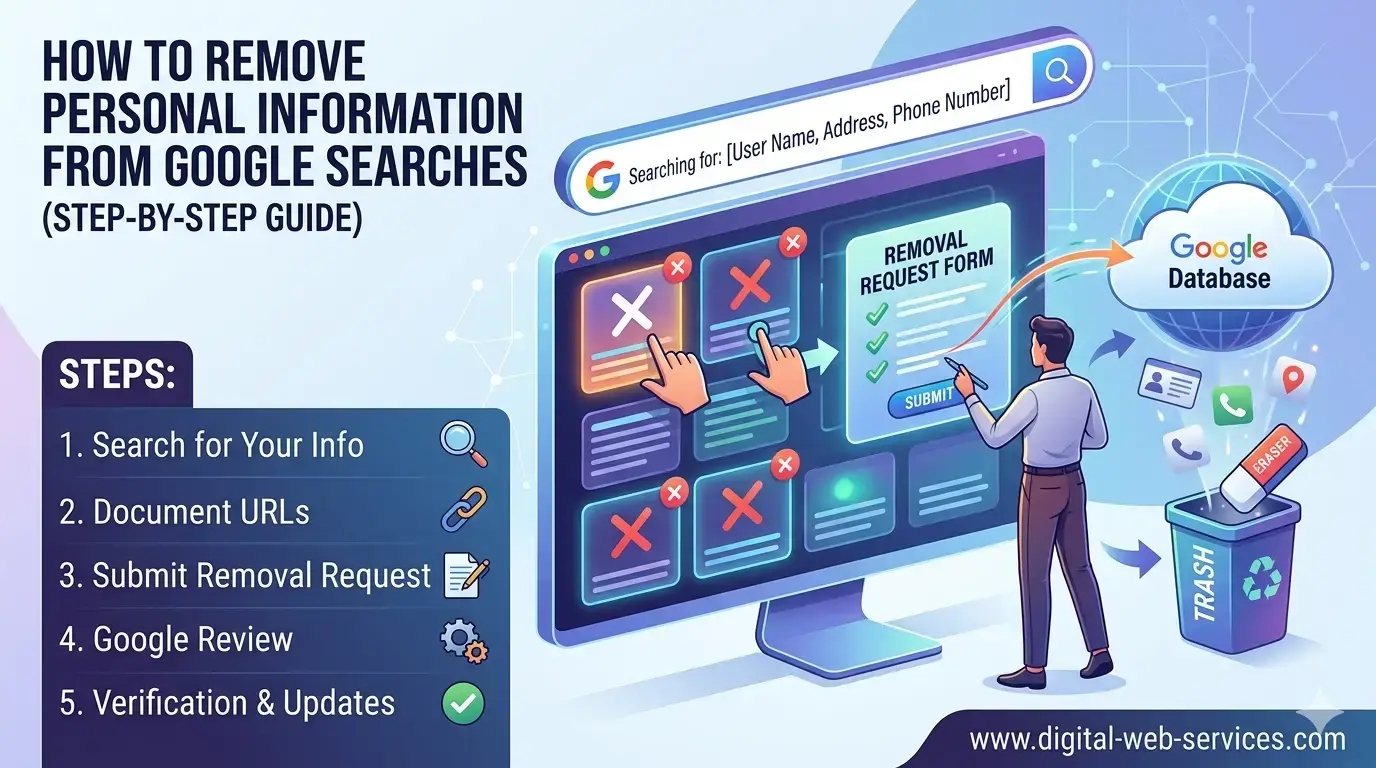
If your address or personal details appear in Google search results, you may wonder how to remove myself from google search effectively. You can start by submitting a removal request to Google, contacting the website owner, and cleaning up data from third-party sites. Google allows users to request removal of sensitive information like home address, phone number, and email. However, removing personal information from Google searches does not delete it from the original website. To fully remove information from Google, you need to take action on both search results and the source websites. A combination of Google removal tools, privacy requests, and regular monitoring helps reduce your online exposure significantly.
Why does your personal information appear on Google?
Your personal data can appear in search results due to:
- Public records and listings
- Data broker websites
- Social media profiles
- Old blog posts or directories
- Business registrations
Google does not create this data but indexes it from websites. That’s why removing personal information from Google searches requires action at multiple levels.
How to remove results directly from Google?
To remove results directly from Google, follow this process:
Step 1: Use Google’s removal request tool
Go to Google Remove Personal Information Tool and submit URLs that contain:
- Home address
- Phone number
- Email ID
- Identity details
Step 2: Select the reason
Choose “Remove personal information from Google searches” and explain why the content is sensitive.
Step 3: Submit and track request
Google reviews your request and may remove the result from search listings.
👉 This is the fastest way to remove personal information from Google searches.
How to remove personal information from Google searches permanently?
Removing search results alone is not enough. You must also remove information from Google at the source.
Contact the website owner
- Find the website’s contact page
- Request removal of your personal data
- Ask them to delete or update the page
Once removed, Google will automatically stop showing it after re-crawling.
How to remove information from Google via data broker sites?
Data broker websites are a major source of personal data online.
Common platforms:
- Whitepages
- Spokeo
- BeenVerified
What to do:
- Search your name
- Find your listing
- Use their opt-out or removal option
This step is critical to remove information from Google completely.
What is the complete workflow to remove personal information from Google?
Here’s a practical workflow used by privacy professionals:
- Search your name on Google
- Identify pages with sensitive data
- Submit Google removal requests
- Contact website owners
- Remove listings from data broker sites
- Delete or update your own profiles
- Monitor results regularly
This structured approach ensures better success in removing personal information from Google searches.
What are real-life examples of removing personal data?
Example 1: Address removal
A user found their home address on a directory site.
- Submitted Google request → Removed from search
- Contacted website → Data deleted
- Result → Fully removed
Example 2: Phone number exposure
Phone number listed on multiple data sites.
- Removed from 3 data brokers
- Google re-indexed results
- Visibility dropped significantly
How to improve your online privacy going forward?
- Avoid sharing personal info publicly
- Use private WHOIS for domains
- Limit social media visibility
- Use different emails for sign-ups
- Set Google alerts for your name
Consistency is key to keeping your data off search engines.
FAQs
How do I remove my address from Google search results?
Submit a request through Google’s removal tool and contact the website hosting your address to delete it permanently.
Can I remove personal information from Google searches permanently?
Yes, but only if the information is removed from the original website as well. Google only removes search visibility, not the source content.
How long does Google take to remove personal information?
It usually takes a few days to a few weeks depending on the request type and review process.
Is removing personal information from Google free?
Yes, Google’s removal request tool is free to use.
Why does my personal information keep appearing on Google?
Because it exists on external websites. Google indexes those pages, so you must remove the data from the source.
What types of information can be removed from Google?
You can request removal of:
- Home address
- Phone number
- Sensitive personal identifiers
Final Thoughts
Removing personal information from Google searches requires a step-by-step approach. Start by using Google’s removal tool, then remove information from Google at the source, and finally clean up data broker listings. With consistent action, you can significantly reduce your digital footprint and protect your privacy.

Maria Jain is a Senior Content Strategist and Tech Editor at Digital Web Services, with over 6+ years of experience covering digital marketing, website development, and search engine optimization. She specializes in WordPress site architecture, AI technologies, Web Hosting, topical authority models, and hands-on SaaS & affiliate tool reviews. Maria combines data-driven SEO practices with deep web design and technical insights to publish transparent guides, tool comparisons, and strategic tutorials for digital growth.