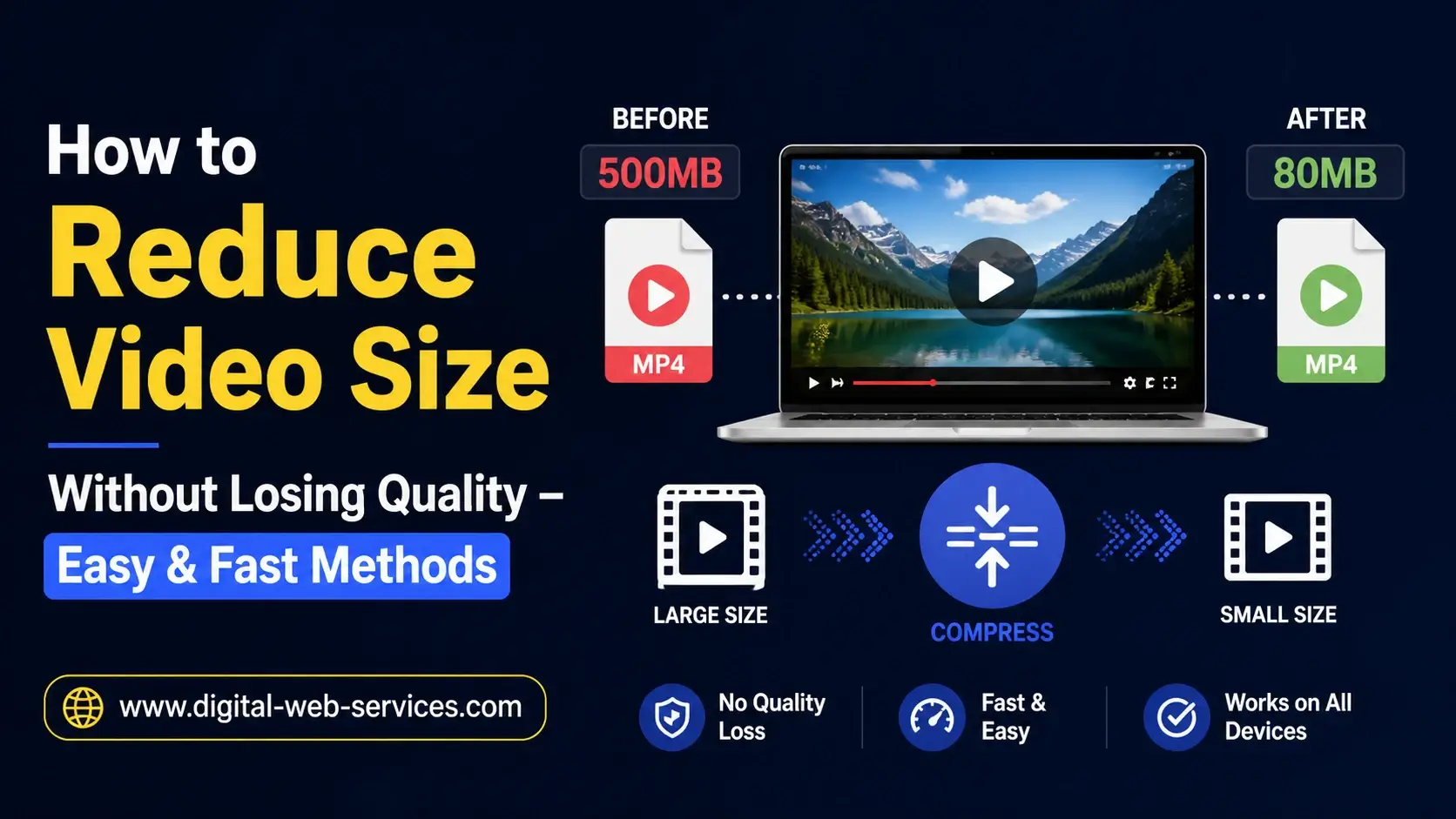
Reducing video size without losing quality is possible with the right tools and techniques. Whether you want to save storage, upload faster, or share videos online, efficient video compression is key. Use software like HandBrake or VLC Media Player to convert videos to H.264 or H.265 (HEVC) formats. Adjusting the bitrate, trimming unnecessary sections, and lowering the resolution to 1080p or 720p can significantly reduce file size without noticeable quality loss. Online platforms like VEED, Kapwing, or FreeConvert allow quick one-click compression. With a proper workflow, you can maintain crisp visuals, smooth playback, and high-quality audio while minimizing storage usage.
What Are the Best Tools to Reduce Video Size Online?
Several online and offline tools help compress videos efficiently:
- HandBrake – Free, open-source, supports H.264 and H.265 codecs. Ideal for desktop users.
- VLC Media Player – Offers conversion and compression features for various formats.
- VEED – User-friendly online tool for quick video compression and editing.
- Kapwing – Online editor with video resizing and optimization features.
- FreeConvert – Supports MP4, MOV, and AVI with one-click compression.
- Clideo – Fast, secure, browser-based video compression tool.
These tools are trusted and widely used, ensuring safety and high-quality results.
How Can Using Efficient Codecs Help Reduce Video Size?
Choosing the right codec dramatically impacts video size:
- H.265/HEVC compresses files 20-75% smaller than H.264 without losing quality.
- H.264 is widely compatible and maintains excellent visual quality.
- Proper codec selection balances storage, playback performance, and compatibility across devices.
What Settings Should I Adjust to Compress Videos Without Quality Loss?
Optimizing video settings is crucial for size reduction:
- Resolution: Lower from 4K to 1080p or 720p for smaller screens.
- Bitrate: Reducing bitrate decreases file size while preserving visual clarity.
- Frame Rate: Match the original or use 24–30 fps for smoother compression.
- Constant Quality Slider: In HandBrake, RF 18–25 provides the perfect balance.
- Trim/Cut Video: Remove unnecessary sections to minimize size.
Example Workflow in HandBrake:
- Open HandBrake → drag video.
- Select preset (e.g., Fast 1080p30).
- Choose H.264/H.265 codec.
- Adjust RF 20–22 for best quality-to-size ratio.
- Click Start Encode.
Are Online Compressors Reliable for Reducing Video Size?
Yes. Platforms like VEED, FreeConvert, and Clideo are reliable:
- Support multiple formats (MP4, MOV, AVI).
- Simple drag-and-drop interface.
- No installation required.
- Offers safe, high-quality compression.
Online compressors are excellent for small to medium-sized files and quick edits.
Can I Reduce Video Size Without Losing Quality on Mobile?
Absolutely. Mobile-friendly apps like:
- InShot – Adjust resolution and compress videos.
- VN Video Editor – Offers bitrate adjustment and trimming.
- CapCut – Free compression with minimal quality loss.
These apps make it easy to compress videos directly on your smartphone.
| Also read: 5 Best Ways To Reduce The Size Of PDF Files
FAQs
Q: How much can I reduce video size without losing quality?
You can typically reduce 20–75% depending on the codec, resolution, and bitrate. Using H.265 offers the best compression efficiency.
Q: Is H.265 better than H.264 for compression?
Yes. H.265 produces smaller files at similar quality but may require more processing power. H.264 remains widely compatible.
Q: Can I compress videos online for free?
Yes, tools like VEED, FreeConvert, and Clideo allow free online video compression without installing software.
Q: Will trimming a video affect its quality?
No, trimming only removes unnecessary parts. Remaining content retains original quality.
Q: What is the ideal bitrate for compressed videos?
For 1080p videos, aim for 4–8 Mbps. For 720p, 2–5 Mbps works well, balancing size and quality.
Conclusion:
Reducing video size without losing quality is achievable with the right workflow, codecs, and tools. Whether using desktop software like HandBrake or online video editing platforms like VEED, you can maintain excellent video quality while saving storage and improving upload speed. Proper adjustment of resolution, bitrate, and trimming ensures high-quality playback across devices.

Maria Jain is a Senior Content Strategist and Tech Editor at Digital Web Services, with over 6+ years of experience covering digital marketing, website development, and search engine optimization. She specializes in WordPress site architecture, AI technologies, Web Hosting, topical authority models, and hands-on SaaS & affiliate tool reviews. Maria combines data-driven SEO practices with deep web design and technical insights to publish transparent guides, tool comparisons, and strategic tutorials for digital growth.