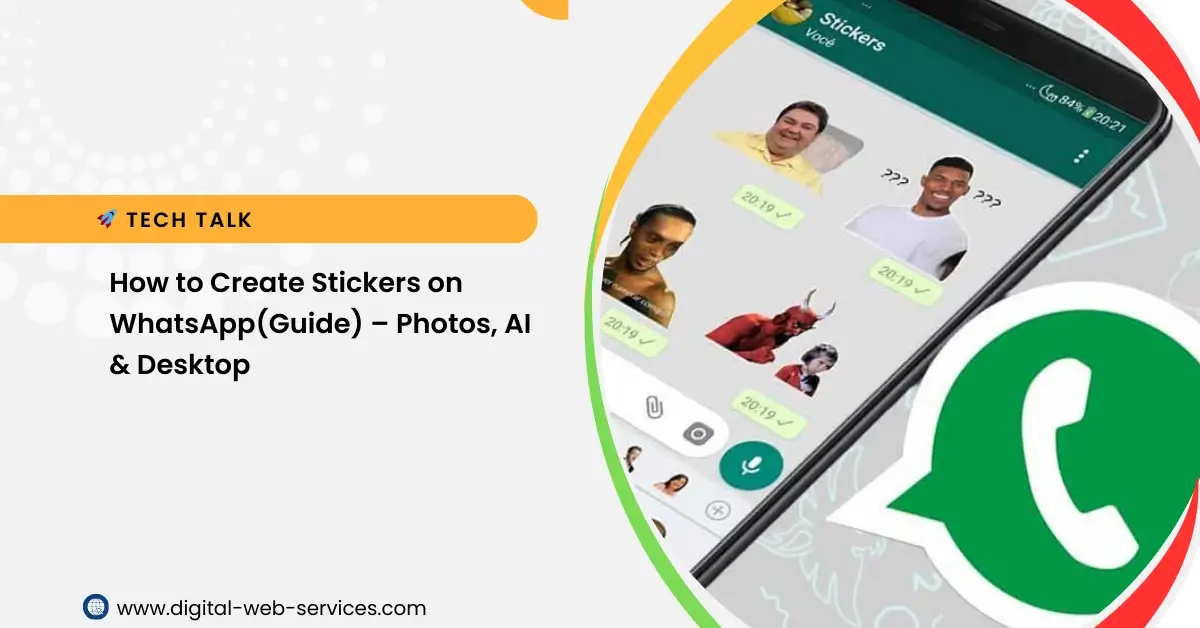
WhatsApp stickers are one of the easiest ways to express emotions, reactions, and fun moments in chats. The best part is that you can create stickers of anything on WhatsApp—your photos, drawings, text, or even AI-generated images—without much effort.
This step-by-step WhatsApp sticker guide explains the latest and simplest ways to make custom WhatsApp stickers on Android, iPhone, and WhatsApp Web/Desktop. The language is kept simple so anyone can follow it easily.
What Are WhatsApp Stickers?
WhatsApp stickers are small images that you can send in chats instead of emojis or text. You can:
- Turn your photos into stickers
- Create funny or personalized stickers
- Generate AI stickers on WhatsApp using text prompts
Option 1: Create WhatsApp Stickers from Your Photos (Android & iOS)
This is the fastest way to create stickers on WhatsApp without using any third-party sticker maker app.
Step-by-Step Guide:
- Open WhatsApp and go to any chat.
- Tap the Emoji icon in the message bar.
- Switch to the Sticker tab.
- Tap the Create (+ or pencil) icon.
- Select a photo from your phone gallery.
Edit Your Sticker:
- Background removal: WhatsApp automatically removes the background.
- Add text: Tap the A icon to write text and change font or color.
- Draw: Use the pencil tool to doodle.
- Add emojis or stickers: Overlay emojis for more fun.
- Tap Send.Your sticker is saved in Recent Stickers and can be reused anytime.
✔ Best for: Personal photos, quick custom stickers, beginners.
Option 2: Create Stickers Using AI on WhatsApp (Meta AI)
WhatsApp now allows you to create AI stickers by simply typing a description.
Steps to Generate AI Stickers:
- Open a chat and go to the Stickers section.
- Tap Create > Generate with AI.
- Type a prompt like:“A cute dog wearing sunglasses”
- WhatsApp will generate multiple sticker options.
- Select your favorite and tap Send.
✔ Best for: Creative ideas, unique designs, no photos needed.
Option 3: Create Stickers on WhatsApp Web or Desktop
If you want more control and clean editing, WhatsApp Web sticker creation is a great option.
Steps:
- Open WhatsApp Web or Desktop App.
- Select a chat.
- Click the Attachment (paperclip) icon.
- Choose the Sticker (blue icon) option.
- Upload an image from your computer.
Editing Tools Available:
- Crop and resize
- Add text and emojis
- Blur parts of the image
- Click Done, then Send.
✔ Best for: Precise editing, professional-looking stickers.
Pro Tips for Better WhatsApp Stickers
- Use simple backgrounds so auto background removal works better.
- Sticker size: Ideal size is 512 × 512 pixels.
- Organize stickers: Tap a sent sticker and choose Add to Sticker Pack.
- Clear images: Use high-quality photos for sharp stickers.
Benefits of Creating Custom WhatsApp Stickers
- Personal touch in chats
- Express emotions better than text
- Free and easy to create
- No extra sticker maker app required
FAQs on Create Stickers of Anything For WhatsApp
1. Can I create WhatsApp stickers without any app?
Yes. WhatsApp has a built-in sticker creator on mobile and desktop. No third-party app is needed.
2. Are AI stickers available on WhatsApp?
Yes. You can create AI-generated WhatsApp stickers using Meta AI by typing a text prompt.
3. Where are my created stickers saved?
Your stickers are saved in Recent Stickers or Favorites and can be reused anytime.
4. Can I create sticker packs on WhatsApp?
Yes. You can group your stickers by selecting Add to sticker pack.
5. Is WhatsApp sticker creation free?
Yes. Creating stickers on WhatsApp is completely free.
Conclusion
Now you know how to create stickers of anything on WhatsApp using photos, AI, or desktop tools. Whether you want funny stickers, personal photos, or creative AI designs, WhatsApp makes sticker creation easy and fast.
Try these methods today and make your chats more fun, expressive, and unique.

Maria Jain is a Senior Content Strategist and Tech Editor at Digital Web Services, with over 6+ years of experience covering digital marketing, website development, and search engine optimization. She specializes in WordPress site architecture, AI technologies, Web Hosting, topical authority models, and hands-on SaaS & affiliate tool reviews. Maria combines data-driven SEO practices with deep web design and technical insights to publish transparent guides, tool comparisons, and strategic tutorials for digital growth.