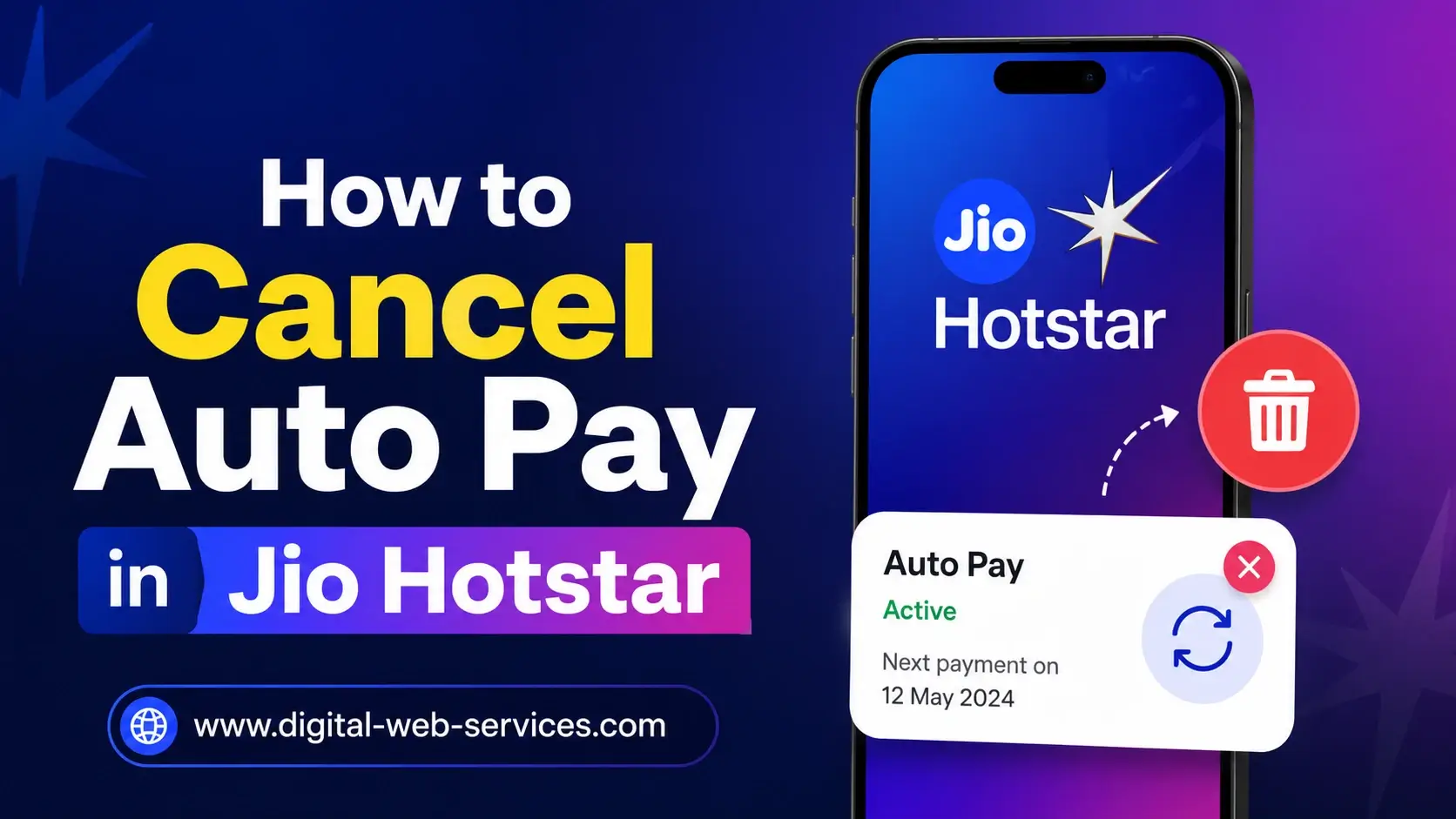
If you want to cancel auto pay in Jio Hotstar (also known as Disney+ Hotstar), you can do it in a few simple steps. Open the Hotstar app, go to My Space → Account Settings, and choose Cancel Auto Renewal to stop future payments. Alternatively, you can cancel Jio Hotstar auto pay via UPI apps like Google Pay or PhonePe by navigating to Autopay → Jio Hotstar/Disney+ Hotstar → Cancel. If subscribed through Jio billing, use the MyJio App → Jio AutoPay to remove automatic payments. Once cancelled, you still have access until the current subscription expires. This helps prevent unexpected charges and gives you better control over your subscription.
Why Do People Want to Cancel Auto Pay in Jio Hotstar?
Many users search for how to stop Hotstar auto renewal, cancel Disney+ Hotstar auto pay, or disable auto debit for Jio Hotstar because they want better control over subscriptions, avoid unwanted billing, or switch to a different streaming plan.
How Do You Cancel Auto Pay in Jio Hotstar Through the Hotstar App?
To stop Jio Hotstar auto pay renewal directly in the app:
- Open the Disney+ Hotstar (JioHotstar) app on your phone.
- Tap My Space in the menu.
- Select Help & Settings or Account Settings.
- Choose Cancel Subscription.
- Hit Cancel Auto Renewal and confirm.
Your auto debit is stopped, but you can still enjoy content until the current billing period ends. If you see Subscriptions & Devices, that is the newest menu for cancellation on web browsers.
How Can You Cancel Jio Hotstar Auto Pay Using UPI Apps (Google Pay/PhonePe)?
If you set up auto pay using a UPI app, follow these steps:
Google Pay
- Open Google Pay and go to Profile/Settings.
- Tap Autopay or Recurring Payments.
- Find Jio Hotstar / Disney+ Hotstar.
- Select Cancel Autopay and enter your UPI PIN.
PhonePe
- Open PhonePe and go to Settings → AutoPay & Subscriptions.
- Look for Jio Hotstar.
- Tap Cancel AutoPay and confirm with your UPI PIN.
This cancels automatic deductions for future Hotstar billing.
Can You Cancel Auto Pay Through the MyJio App?
Yes. If your subscription is billed through Reliance Jio:
- Open the MyJio App.
- Tap the Menu button.
- Go to JioPay → Jio AutoPay.
- Select the payment method used (credit card, debit card, bank, etc.).
- Tap Cancel AutoPay.
This stops Jio from auto charging your linked payment method for Hotstar.
Can You Cancel Hotstar Auto Pay on iPhone (Apple ID)?
If your Hotstar subscription was purchased via Apple App Store, you must cancel through:
Settings → Your Apple ID → Subscriptions → Disney+ Hotstar → Cancel Subscription
Apple handles billing separately, so cancellation must be done from your Apple subscription settings.
Do You Get a Refund After Cancelling Auto Pay?
No. Canceling auto pay only stops future renewals. You don’t get a refund for the current paid period. However, you retain full access until your subscription expires.
What Happens After You Cancel Auto Pay?
- No future automatic charges
- You can still watch Hotstar until the current billing term ends
- You must manually renew if you want access later
Tips to Manage Streaming Subscriptions Wisely
- Review subscriptions monthly
- Use reminders before billing dates
- Monitor UPI/AutoPay settings in payment apps
- Keep records of cancellation confirmations
Frequently Asked Questions (FAQs)
Q: How do I stop auto renewal in Jio Hotstar?
Open the Hotstar app → My Space → Account Settings → Cancel Subscription → Cancel Auto Renewal. You will still have access until the current billing cycle ends.
Q: Can I cancel JioHotstar auto pay through Google Pay?
Yes. Open Google Pay → Autopay/Recurring Payments → find Jio Hotstar → Cancel Autopay and confirm with your UPI PIN.
Q: How do I cancel auto pay in Jio Hotstar via MyJio App?
Open MyJio App → JioPay → Jio AutoPay → select the payment method → Cancel AutoPay. This stops future automatic charges.
Q: Will I get a refund after cancelling Hotstar auto pay?
No. Cancelling auto pay stops future renewals only. You retain access until your current subscription expires.
Q: How do I cancel Hotstar auto renewal on iPhone?
On iPhone, go to Settings → Apple ID → Subscriptions → Disney+ Hotstar → Cancel Subscription.
Final Thoughts
Cancelling auto pay in Jio Hotstar is simple, whether you use the app, a UPI app, or the MyJio platform. Following these steps helps you avoid unexpected charges and maintain control over your streaming expenses. Remember: cancellation does not remove your current access but prevents future billing.

Maria Jain is a Senior Content Strategist and Tech Editor at Digital Web Services, with over 6+ years of experience covering digital marketing, website development, and search engine optimization. She specializes in WordPress site architecture, AI technologies, Web Hosting, topical authority models, and hands-on SaaS & affiliate tool reviews. Maria combines data-driven SEO practices with deep web design and technical insights to publish transparent guides, tool comparisons, and strategic tutorials for digital growth.