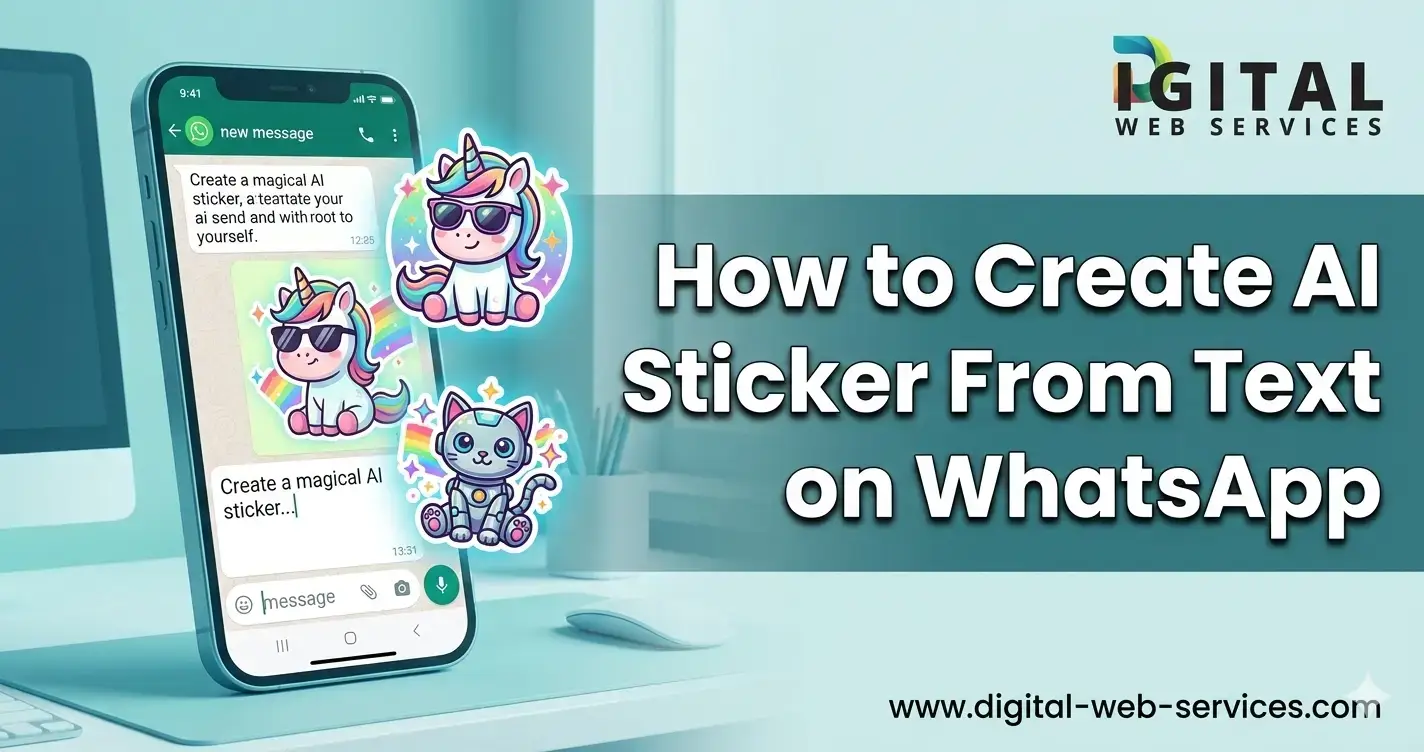
Want to turn your ideas into fun stickers in seconds? Now you can create AI stickers from text on WhatsApp without using complicated tools. With the new WhatsApp AI sticker generator, you just type a short description, and the app creates custom stickers for you.
In this guide, you’ll learn how to create AI sticker from text on WhatsApp, what you need, supported languages, alternative methods, and answers to common questions.
What Is AI Sticker Generator in WhatsApp?
The AI sticker generator on WhatsApp allows users to create custom WhatsApp stickers by typing a text prompt. Instead of designing stickers manually, you simply describe what you want, like:
- “A cat wearing sunglasses”
- “Funny panda eating pizza”
- “Happy birthday cartoon style cake”
WhatsApp then generates up to four sticker options based on your description. You can send them instantly or save them as favorites.
This feature makes it easy to create personalized stickers for chats, groups, and special occasions.
How to Create AI Sticker From Text on WhatsApp (Step-by-Step)
Follow these simple steps to create AI sticker from text on WhatsApp:
Step 1: Open a Chat
Open any individual chat or group chat in WhatsApp.
Step 2: Tap the Sticker Icon
In the message box, tap the sticker icon (square shape with a folded corner).
Step 3: Select “Create”
Tap on Create and then choose Generate with AI.
Step 4: Enter Your Text Description
Type a detailed prompt describing your sticker. For example:
- “Cute dog with birthday hat”
- “Angry cartoon tomato”
- “Smiling robot waving hello”
The clearer your description, the better your WhatsApp AI sticker results.
Step 5: Choose and Send
WhatsApp will generate up to four AI stickers.
- Tap one to send it immediately.
- Press and hold to add it to favorites.
That’s it. You’ve successfully created an AI sticker from text on WhatsApp.
Tips to Get Better AI Stickers on WhatsApp
If you want high-quality AI stickers, follow these tips:
- Be specific in your text prompt
- Mention expressions like happy, angry, shocked
- Add style words like cartoon, 3D, watercolor
- Include objects, clothes, or background details
For example:
Instead of writing “cat”, write “cute white cat wearing a red hat, cartoon style”.
Better prompts create better WhatsApp custom AI stickers.
Language Support for WhatsApp AI Sticker Generator
Currently, the AI sticker feature supports:
- English
- Indonesian
- Portuguese
- Spanish
Make sure your app is updated to access this feature.
Availability of AI Stickers in WhatsApp
The AI sticker generator on WhatsApp is available in limited countries. It may not appear for all users immediately.
If you don’t see the option:
- Update your WhatsApp to the latest version
- Check if the feature is available in your region
- Wait for gradual rollout updates
Alternative Method: Using Meta AI in WhatsApp Chats
Another way to generate AI images and stickers is through Meta AI in chats.
You can:
- Open a chat
- Type “@”
- Select Imagine
- Enter your prompt
Meta AI will generate images that can sometimes be converted into stickers.
More details can be found in the official guide here:
https://faq.whatsapp.com/203220822537614
Third-Party AI Sticker Maker Apps
If the built-in WhatsApp AI sticker generator is not available to you, you can use third-party apps.
One popular option is:
AI Sticker Maker for WhatsApp
https://play.google.com/store/apps/details?id=com.ai.stickermaker&hl=ie
These apps allow you to:
- Create AI stickers from text
- Convert photos into stickers
- Customize borders and effects
- Export directly to WhatsApp
However, always download apps from trusted sources.
Benefits of Creating AI Stickers From Text on WhatsApp
Creating AI stickers on WhatsApp gives you:
- Personalized chat experience
- Fast sticker creation
- No graphic design skills required
- Fun and creative communication
- Unique stickers for birthdays, festivals, and memes
Instead of searching for ready-made stickers, you can now create exactly what you imagine.
Common Problems and Solutions
1. AI Sticker Option Not Showing
Update your WhatsApp app. The feature may not be available in your country yet.
2. Stickers Not Generating
Check your internet connection.
3. Low-Quality Results
Use more detailed prompts when creating your AI sticker from text on WhatsApp.
| Also Read: How to Know if Someone Blocked You on WhatsApp: A Simple Guide
FAQs: Create AI Sticker From Text on WhatsApp
1. How do I create AI sticker from text on WhatsApp?
Open a chat, tap the sticker icon, select Create, choose Generate with AI, type your description, and pick a generated sticker to send.
2. Is the WhatsApp AI sticker generator free?
Yes, the AI sticker feature inside WhatsApp is free to use if available in your region.
3. Why can’t I see the AI sticker option on WhatsApp?
The feature is available in limited countries. Update your app and check if it has been rolled out to your region.
4. Can I create custom WhatsApp stickers without AI?
Yes, you can use third-party apps like AI Sticker Maker for WhatsApp to create custom stickers from text or images.
5. Which languages are supported for AI sticker generation?
Currently, English, Indonesian, Portuguese, and Spanish are supported.
6. Can I save AI stickers to favorites?
Yes. Press and hold the generated sticker to add it to your favorites.
Final Thoughts
Now you know how to create AI sticker from text on WhatsApp in just a few taps. The WhatsApp AI sticker generator makes it simple to turn your ideas into fun, shareable stickers. Whether you want a funny cartoon, birthday sticker, or creative emoji, just type your idea and let WhatsApp generate it for you.

Maria Jain is a Senior Content Strategist and Tech Editor at Digital Web Services, with over 6+ years of experience covering digital marketing, website development, and search engine optimization. She specializes in WordPress site architecture, AI technologies, Web Hosting, topical authority models, and hands-on SaaS & affiliate tool reviews. Maria combines data-driven SEO practices with deep web design and technical insights to publish transparent guides, tool comparisons, and strategic tutorials for digital growth.