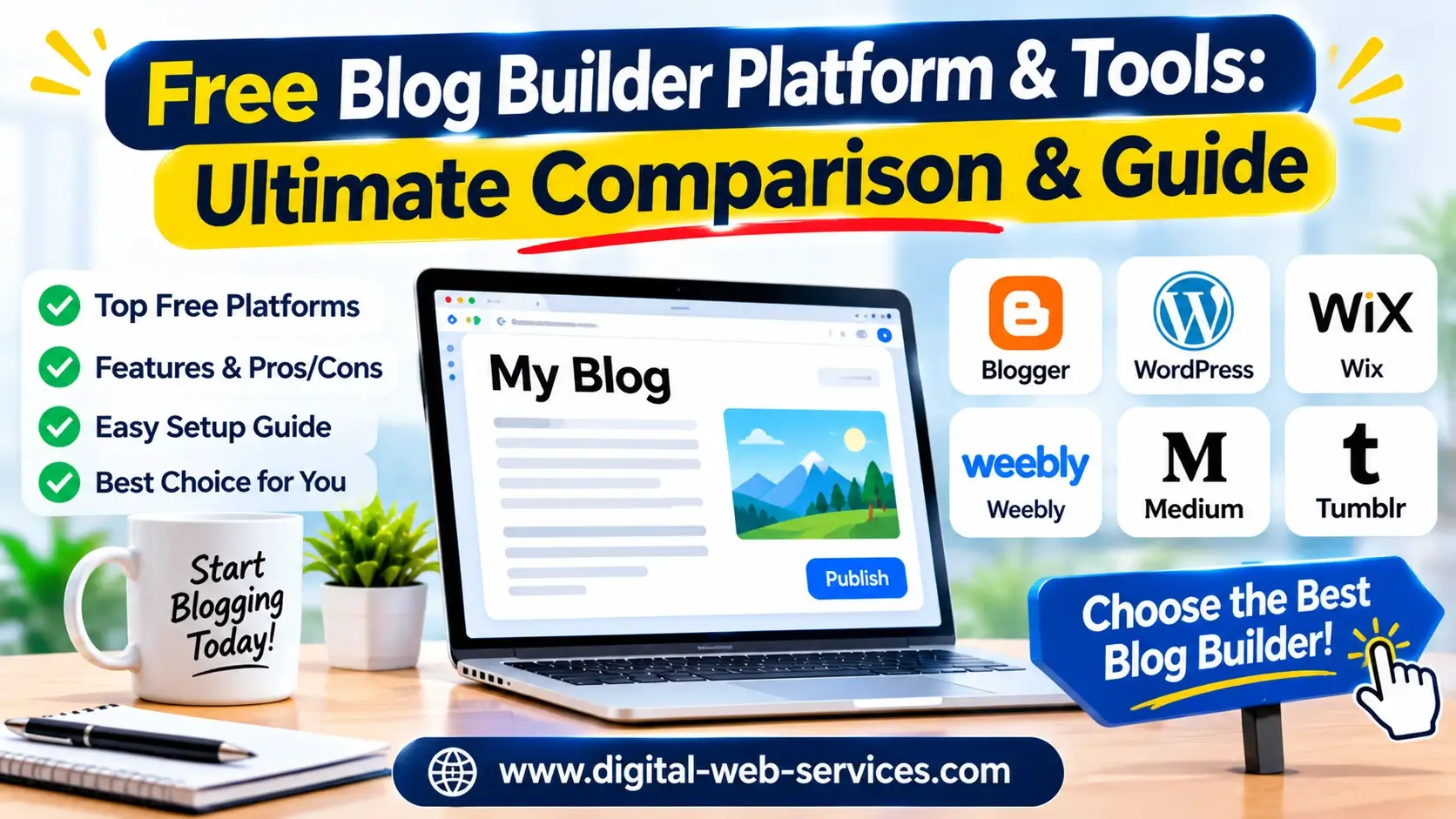
Starting a digital content channel no longer requires web development experience or upfront software costs. Modern free blog builders provide everything you need to write, design, and publish articles immediately.
Whether building a personal journal, a portfolio, or a business marketing channel, picking the right free blogging site sets the foundation for your search engine rankings and long-term monetization.
Quick Insight:
- Zero-Cost Publishing: Launch your blog instantly using no-code design features, integrated SEO tools, and complimentary subdomains.
- Top Platform Picks: Use Blogger or Google Sites for simple, secure hosting; Wix or Weebly for drag-and-drop customization; HubSpot for lead capture; and Canva for visual micro-blogs.
- Scalable Strategy: Start on a free tier to validate your niche, then connect a custom domain and monetization channels as your monthly traffic grows.
                                  [ Selecting Your Free Blog Engine ]
                                                              │
            ┌────────────────┴────────────────┐
            ▼                                                                                                ▼
[ Structured CMS Platforms ]                                  [ Visual Page Builders ]
  (Blogger, Google Sites)                                             (Wix, Weebly, Canva)
            └────────────────┬────────────────┘
                                                              ▼
                               [ Publishing, SEO & Monetization ]
Top Free Blog Platforms Compared
Selecting the right free blog builder depends on your goals regarding design control, search engine optimization (SEO), and ease of management.
Platform Key Advantage Subdomain / Hosting Ideal User Blogger Free AdSense & Google Hosting .blogspot.com / Google CloudHobbyists & Monetized Blogs Wix 900+ Templates & Advanced SEO .wixsite.com / Wix HostingDesign-Focused Creators HubSpot Built-in Lead Gen & Custom CTAs .hubspotpage.com / HubSpotMarketers & Businesses Google Sites Workspace Integration .google.com / Google DriveEducators & Internal Blogs Weebly Square E-Commerce Integration .weebly.com / Square HostingSmall Businesses & Stores Canva 3M+ Assets & AI Writing Assistant .my.canva.site / CanvaVisual Storytellers & Micro-Bloggers
Detailed Platform Breakdown
Blogger (Google-Backed Simplicity)
Blogger remains one of the most reliable free blogging tools on the web.
- Includes free
.blogspot.comsubdomain hosting with complimentary SSL security. - Features seamless monetization through built-in Google AdSense integration.
- Delivers high security and uptime backed by Google’s cloud infrastructure.
Wix (Visual Design Control)
Wix delivers a feature-rich, drag-and-drop blogging experience.
- Access over 900 customizable blog templates tailored to various niches.
- Includes an intuitive rich text editor supporting video, audio, and custom layouts.
- Features a built-in SEO suite and structured data tools to boost search visibility.
HubSpot Free Blog Maker (Lead Generation Focus)
HubSpot combines content publishing with powerful inbound marketing features.
- Comes with built-in hosting, SSL certificates, and responsive templates.
- Integrated SEO recommendations guide your on-page optimizations as you write.
- Includes custom Call-to-Action (CTA) elements and CRM forms to capture subscribers.
Google Sites (No-Code Workspace Integration)
Google Sites offers a clean, minimalistic interface ideal for simple blog layouts.
- Offers direct integration with Google Docs, Sheets, Forms, and Google Drive.
- Free hosting under a Google domain with zero coding requirements.
- Simple permission controls make it perfect for collaborative multi-author blogs.
Weebly (Square E-Commerce Integration)
Weebly provides a beginner-friendly environment with native store tools.
- Drag-and-drop web builder optimized for mobile responsiveness.
- Native integration with Square payments for selling products alongside blog posts.
- Includes built-in contact forms, social sharing, and analytics dashboards.
Canva (Visual & Micro-Blogging)
Canva enables creators to publish visually driven blog pages in minutes.
- Build multi-page web layouts using millions of graphics, stock images, and fonts.
- Uses Magic Write AI helper to quickly outline and draft content sections.
- One-click publishing under a free Canva subdomain.
Essential Companion Tools for Free Blogging
Building a successful blog requires pairing your platform with free companion tools to streamline research, graphics, and performance tracking.
                                                   [ Essential Blogging Ecosystem ]
                                                                            │
     ┌───────────────────────┼───────────────────────┐
     ▼                                                                  ▼                                                                    ▼
[ SEO & Keyword Tools ]            [ Graphic & Design ]                                           [ Analytics & Tracking ]
(GSC, Google Trends)                   (Canva, TinyPNG)                                                  (Google Analytics)
Search Engine Optimization & Keyword Tools
- Google Search Console (GSC): Tracks search impressions, indexing status, and click-through rates (CTR) for your published posts.
- Google Trends: Helps identifys rising search queries and seasonal trends before finalizing your blog topic ideas.
- Ahrefs / Semrush Free Tools: Free keyword generators provide estimates on keyword difficulty and search volume.
Visual Content & Asset Optimization
- Unsplash & Pexels: Free royalty-free image libraries for high-quality blog headers and post photos.
- TinyPNG: Image compression tool that reduces file sizes to keep page loading speeds fast.
Step-by-Step Workflow: Building Your Free Blog
Follow this simple 5-step process to set up and launch your blog:
Step 1: Choose Platform (Match your goals: SEO, Design, or Lead Gen)
Step 2: Set Up Subdomain & Technical SEO (Enable SSL, update meta settings)
Step 3: Customize Template & Layout (Ensure mobile responsiveness & easy navigation)
Step 4: Draft Content & Optimize (Target keywords, add internal links, use clear H2/H3s)
Step 5: Connect Analytics & Monetize (Track GSC metrics, apply AdSense or CTAs)
Pro Tip: Avoid changing your blog theme frequently during the initial launch phase. Focus instead on publishing high-quality, search-intent-aligned articles across structured topic clusters.
Frequently Asked Questions (FAQs)
1. Can I connect a custom domain to a free blog builder platform?
Yes. Platforms like Blogger, Wix, Weebly, and Canva allow you to start with a free subdomain and later connect a custom registered domain (e.g., yourname.com) when you choose to upgrade.
2. Is it possible to monetize a blog built on a free platform?
Yes. Platforms such as Blogger support Google AdSense right out of the box. You can also earn revenue through affiliate marketing links, sponsored content, and custom call-to-action buttons for digital products.
3. Which free blogging platform offers the best built-in SEO capabilities?
Wix, HubSpot, and Blogger offer strong built-in SEO tools. They allow you to customize meta titles, meta descriptions, URL slugs, image alt tags, and sitemaps directly from their administration settings.
4. Do free blog builders include free website hosting and SSL security?
Most reputable platforms—including Blogger, Wix, Google Sites, Weebly, and HubSpot—include cloud web hosting and SSL encryption on their free plans.
Final Thoughts
Launching a successful blog doesn’t require a large budget or web development skills.
Pick a platform that aligns with your primary goal—whether that’s design flexibility, lead generation, or monetization—and start building your content strategy today!
Digital Web Services (DWS) is a leading IT company specializing in Software Development, Web Application Development, Website Designing, and Digital Marketing. Here are providing all kinds of services and solutions for the digital transformation of any business and website.