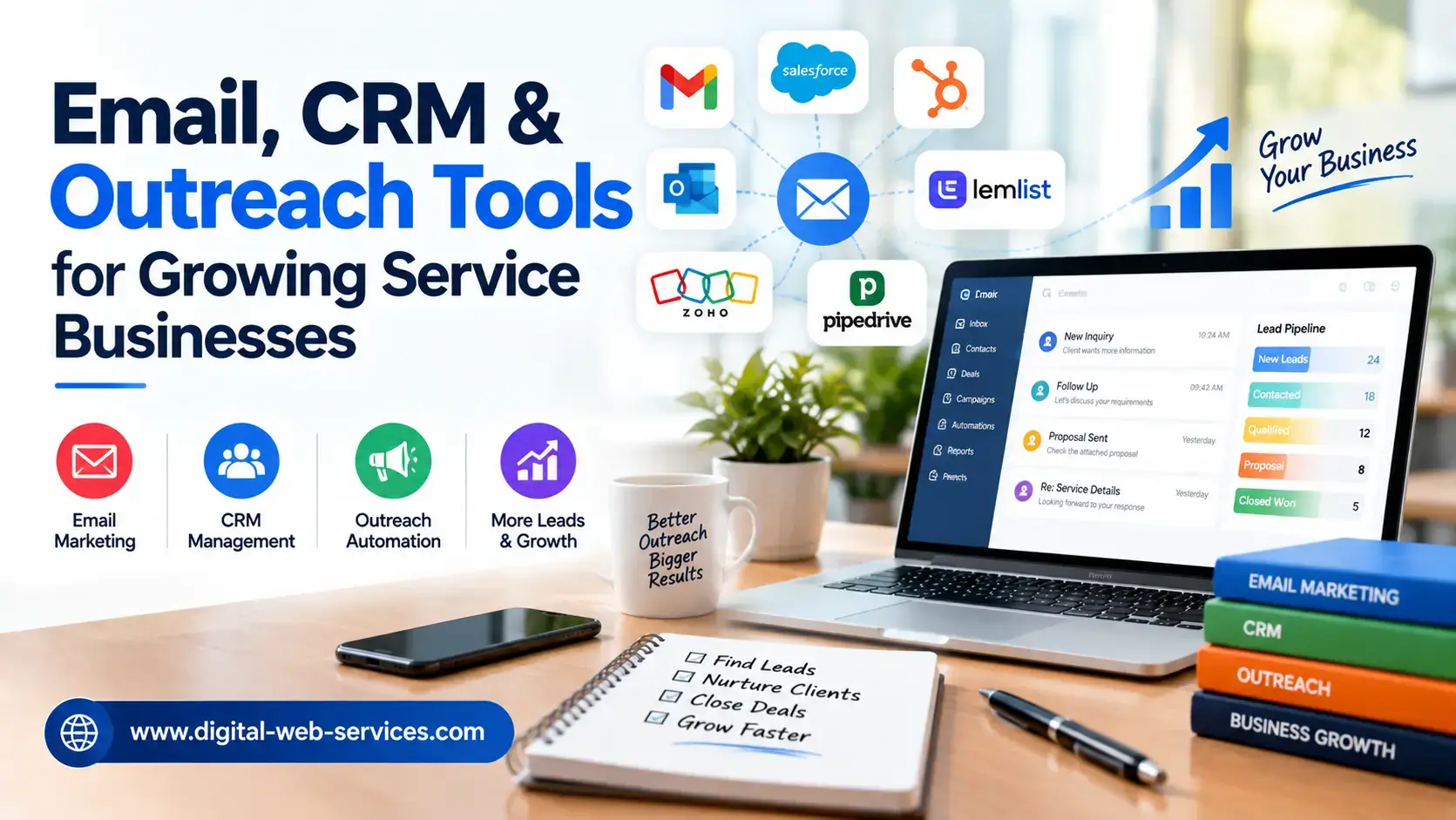
A growing service business can have a strong offer and still lose good leads because the follow-up system is fragmented. A form submission lands in one inbox, notes live in a spreadsheet, newsletters go from another platform, and outbound messages are handled separately. The result is predictable: slow responses, duplicated outreach, missing context, and prospects who stop hearing from the business at exactly the wrong time.
The solution is not to collect more software. It is to connect a small set of tools around one clear lead journey. A customer relationship management system should hold the relationship history, email should nurture and inform, outreach should create and revive conversations, and deliverability controls should protect the ability to reach people in the first place. When these parts work together, even a small team can follow up with more discipline without making communication feel automated or impersonal.
Start With the Lead Journey, Not the Tool List
Before choosing platforms, map what should happen from the moment a prospect appears to the moment the work is won, paused, or lost. For a web design studio, IT consultancy, development company, or digital marketing agency, a simple journey might look like this: inquiry, qualification, discovery call, proposal, decision, onboarding, and later re-engagement.
At each stage, decide what information the team needs and what the next action should be. If a prospect downloads a guide but is not ready for a call, the next step may be a short educational email sequence. If someone requests a quote, the priority is a fast personal response. If a proposal goes quiet, the system should remind the owner to follow up with context rather than sending a generic “just checking in” message.
This process-first approach prevents a common mistake: buying overlapping tools that each solve a small part of the problem but never create one reliable workflow.
Use the CRM as the Source of Truth
The CRM should answer basic questions without forcing the team to search across inboxes and documents. Who is the contact? Which company are they with? What service are they interested in? Where did the lead come from? Who owns the relationship? What was discussed last time? What is the next action and when should it happen?
For a small service business, this is more important than advanced dashboards. A clean CRM record gives every sales or account person the same context. It also makes automation safer because messages can be triggered from accurate lifecycle stages rather than assumptions.
Therefore, many small businesses connect with the top custom software development services such as Nimble AppGenie, to have an API and effective CRM integration services. Additionally, here you can get the right AI and digital solutions successfully.
The most useful fields are usually simple: lead source, service interest, estimated value, lifecycle stage, last contact date, next follow-up date, owner, and a brief note on the prospect’s problem. Keep custom fields limited to information the team will actually use. Too many fields create incomplete records and reduce trust in the system.
Connect CRM Data to Email Nurture
Email becomes more useful when it responds to what is already known about the prospect. A person interested in mobile app development should not receive the same sequence as a company asking about website redesign. A previous client considering a second project should not be treated like a cold lead.
This is where CRM email marketing becomes practical: CRM data can guide segmentation, timing, and message relevance. Instead of blasting the same newsletter to everyone, the business can create a few purposeful tracks such as new inquiry education, proposal follow-up, dormant lead reactivation, and client cross-service updates. For teams that want to keep those tracks fed with fresh prospects, it helps to see how to scale email marketing and lead generation together rather than running them as separate systems.
The goal is not maximum automation. The goal is to make sure useful communication happens consistently while leaving room for personal messages when the conversation becomes specific. Good nurture should prepare a prospect for the next decision, not keep them trapped in an endless sequence.
Choose Email Software Around the Workflow
Feature lists can make every platform look similar, so evaluate tools by the work your team actually needs to complete, including automated content creation when marketing content is part of the workflow. For many service businesses, the important questions are straightforward: Can the team build simple segments? Can campaigns trigger from CRM events? Is it easy to pause automation when a salesperson takes over? Are unsubscribe and consent controls clear? Can replies be routed to a real person? Can performance be viewed by campaign and by lead stage?
Comparisons of email marketing software can be useful when narrowing options, but the final choice should fit the operating model of the business. A two-person consultancy does not need the same level of complexity as a multi-location agency with separate sales teams.
Also consider how easily data can be exported. A service business should not lose access to contact history simply because it changes tools later. Integration quality, user permissions, reporting clarity, and support often matter more over time than a long list of advanced features.
For teams serving ecommerce accounts, Shopify fulfillment workflows are a useful example of why integration quality matters, allowing shop, inventory, and order data to move between systems with fewer manual handoffs.
A simple way to assign each tool a clear job
- CRM: Store relationship history, stage, owner, and next action. Avoid using it only as a contact list.
- Email platform: Nurture and educate known leads at the right time. Avoid sending the same message to every contact.
- Outreach tool: Run controlled prospecting and follow-up sequences. Avoid high-volume sending without relevance.
- Deliverability checks: Protect authentication, reputation, and inbox placement. Avoid waiting for complaints before investigating.
Treat Outreach as a Conversation System
Outbound outreach works best when it is narrow enough to feel relevant. A service business should know exactly why a particular company is being contacted and what problem the message relates to. That might be a website migration, a visible hiring push, a new product launch, an outdated technical stack, or a clear gap in the company’s digital experience. Building a targeted prospect list around signals like these usually starts with lead scraping tools that pull company and contact data from the open web.
A practical sequence is short. The first message states the reason for reaching out and the possible value. A follow-up adds useful context rather than repeating the same pitch. A final message closes the loop politely. If the prospect replies, automation should stop immediately and the conversation should move into the CRM with an owner and a next step.
Avoid measuring outreach only by how many messages were sent. Better indicators are positive replies, qualified conversations, meetings created, opportunities opened, and eventually revenue. Those metrics reveal whether targeting and messaging are working together.
Protect Deliverability Before Increasing Volume
A well-written message is useless if it never reaches the inbox. Deliverability should therefore be treated as part of the marketing and sales system, not as a technical issue that is checked only after a problem appears.
Start with the basics: send to people who are relevant to the message, remove invalid addresses, make unsubscribe choices easy, avoid sudden volume spikes, and separate high-volume prospecting from critical one-to-one business communication when appropriate. Domain reputation develops over time, so aggressive sending can damage future campaigns even if the short-term numbers look attractive.
Before scaling campaigns, verify email authentication and review the domain’s spf dkim dmarc configuration. These records help receiving systems understand which servers are allowed to send for the domain, whether messages are cryptographically signed, and how unauthenticated mail should be handled.
Authentication is necessary, but it is not a guarantee of inbox placement. List quality, engagement, complaint rates, sending behavior, content, and domain history still matter. Think of authentication as the foundation, not the complete deliverability strategy.
Test the Real Campaign, Not Just the Setup
A configuration can look correct while a real campaign still lands in spam or gets filtered by a specific mailbox provider. Testing should therefore include the actual sending platform, sender identity, message template, tracking settings, and domain used in production.
For teams using HubSpot, for example, HubSpot deliverability testing can help illustrate how inbox-placement checks fit into the campaign workflow. Similar testing principles apply regardless of platform: send controlled tests, review authentication results, compare placement across mailbox providers, and investigate changes after major list or template updates.
Do not wait for open rates to collapse before checking deliverability. Opens are also an imperfect signal because privacy features and image loading can distort them. Combine technical checks with bounce rate, complaint rate, reply rate, placement testing, and real business outcomes.
Design Clear Handoffs Between Automation and People
Automation is most valuable before and between meaningful human conversations. It can remind a prospect of a webinar, send a case example after an inquiry, or notify a salesperson that a lead has returned to a pricing page. But once a prospect asks a specific question, requests a proposal, raises an objection, or signals urgency, a person should take over.
Define these handoff rules in advance. For example, a reply to an outbound sequence can create a CRM task and assign an owner. A form asking for a quote can bypass a long nurture sequence and trigger a response deadline. A proposal that has not been viewed after several days can prompt the account owner to check whether it reached the right contact.
Good automation should make the team look organized, not robotic. If prospects regularly receive irrelevant messages after speaking to someone, the workflow is broken.
Measure the Full Funnel
A connected system makes it possible to measure more than campaign activity. The team can see which channels create qualified leads, how long follow-up takes, which nurture paths produce meetings, which outreach segments generate positive replies, and where opportunities stall.
Useful metrics for a service business include lead-to-meeting rate, meeting-to-proposal rate, proposal-to-win rate, average response time, positive reply rate, reactivated opportunities, pipeline value by source, unsubscribe rate, bounce rate, and time between meaningful touches. These metrics are more actionable than celebrating a high send count or a single campaign open rate.
A Practical Rollout for a Small Team
Trying to connect everything at once usually creates more confusion. A phased rollout is easier to manage:
- Clean the CRM. Remove duplicates, standardize lifecycle stages, assign owners, and define the few fields the team truly needs.
- Set up deliverability basics. Confirm sending domains, authentication, list hygiene, and a sensible sending pattern before adding volume.
- Build one nurture flow. Start with a common journey, such as new inquiries that are interested but not ready for a call.
- Create one focused outreach sequence. Use a narrow audience, a specific reason for contact, and clear stop rules when someone replies.
- Connect handoffs. Make sure replies, high-intent actions, and quote requests create tasks for a person rather than more automated messages.
- Review the funnel monthly. Identify where leads are slowing down and change the workflow before adding another tool.
Build a Connected Revenue Workflow
Service businesses do not need the largest software stack to grow. They need a reliable way to remember every relationship, follow up at the right time, send messages that reach the inbox, and move promising conversations to a person quickly.
A CRM provides the shared memory. Email creates consistent nurture. Outreach starts and revives conversations. Deliverability protects the channel. Clear handoffs keep automation from getting in the way of real sales conversations. When those parts are connected around a defined lead journey, a small team can operate with the discipline of a much larger one while keeping communication relevant and human.

Maria Jain is a Senior Content Strategist and Tech Editor at Digital Web Services, with over 6+ years of experience covering digital marketing, website development, and search engine optimization. She specializes in WordPress site architecture, AI technologies, Web Hosting, topical authority models, and hands-on SaaS & affiliate tool reviews. Maria combines data-driven SEO practices with deep web design and technical insights to publish transparent guides, tool comparisons, and strategic tutorials for digital growth.