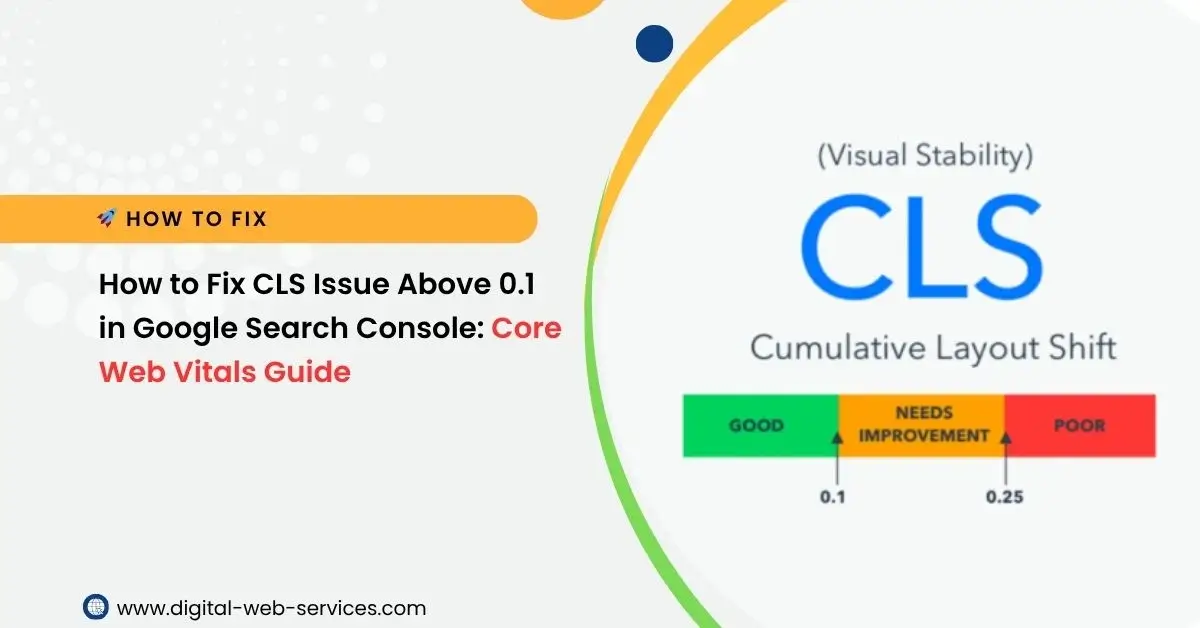
Google Search Console flags a CLS score above 0.1 as a Core Web Vitals problem. This usually means elements on a page move during loading, which affects how steady the page feels while someone is using it. Here’s a clear guide that explains what this issue is, why it matters, and how you can fix it with practical steps.
What CLS Means
CLS stands for Cumulative Layout Shift. It measures how much visible parts of a page move as they load. When things jump around, people can tap the wrong link or lose their place. Google sets 0.1 or lower as the threshold for a good experience.
Why This Issue Matters
A high CLS score affects how comfortable it feels to view your site. Shifts can frustrate visitors, which leads to less time spent on the page and fewer conversions. Since Google checks Core Web Vitals, this can also influence how well your pages perform in search results.
Main Reasons CLS Goes Above 0.1
1. Images without size attributes
When images load without width and height set, the browser doesn’t know how much space to keep open.
2. Ads and embeds are shifting the layout
Ads, videos, and iframes often load late, pushing other items around.
3. Late-loading fonts
If the browser swaps fonts after rendering the page, text can jump.
4. Injected content
Pop-ups, banners, and widgets that appear suddenly can shift the layout.
How To Fix CLS Problems
1. Add width and height attributes
Give every image, video, and embed a defined space. This helps the browser reserve the right spot from the start.
2. Reserve space for ads and embeds
If you use ads or third-party widgets, set up containers with fixed space so they don’t push content downward.
3. Use stable font loading
Use strategies that prevent late text jumps. A font display method that keeps the layout steady is ideal.
4. Avoid sudden injections of content
If you need to load banners or pop-ups, place them in spots that don’t shift important page elements.
5. Improve loading order
Make sure above-the-fold content loads in a steady sequence. This reduces surprising jumps.
6. Test with PageSpeed Insights and Search Console
Both tools point out which elements shift. Fixing items one by one keeps your layout steady.
FAQs
What is a good CLS score?
Anything at 0.1 or lower is considered good for Core Web Vitals.
Does CLS affect search results?
Google checks Core Web Vitals, and a page with steady layout behavior supports better visibility.
How long does it take for Search Console to update my score?
After fixes are live, Search Console usually updates the status within a few weeks as new data is collected.
Can ads cause layout shifts?
Yes. Ads are one of the most common triggers, especially if they load late without a reserved space

Maria Jain is a Senior Content Strategist and Tech Editor at Digital Web Services, with over 6+ years of experience covering digital marketing, website development, and search engine optimization. She specializes in WordPress site architecture, AI technologies, Web Hosting, topical authority models, and hands-on SaaS & affiliate tool reviews. Maria combines data-driven SEO practices with deep web design and technical insights to publish transparent guides, tool comparisons, and strategic tutorials for digital growth.