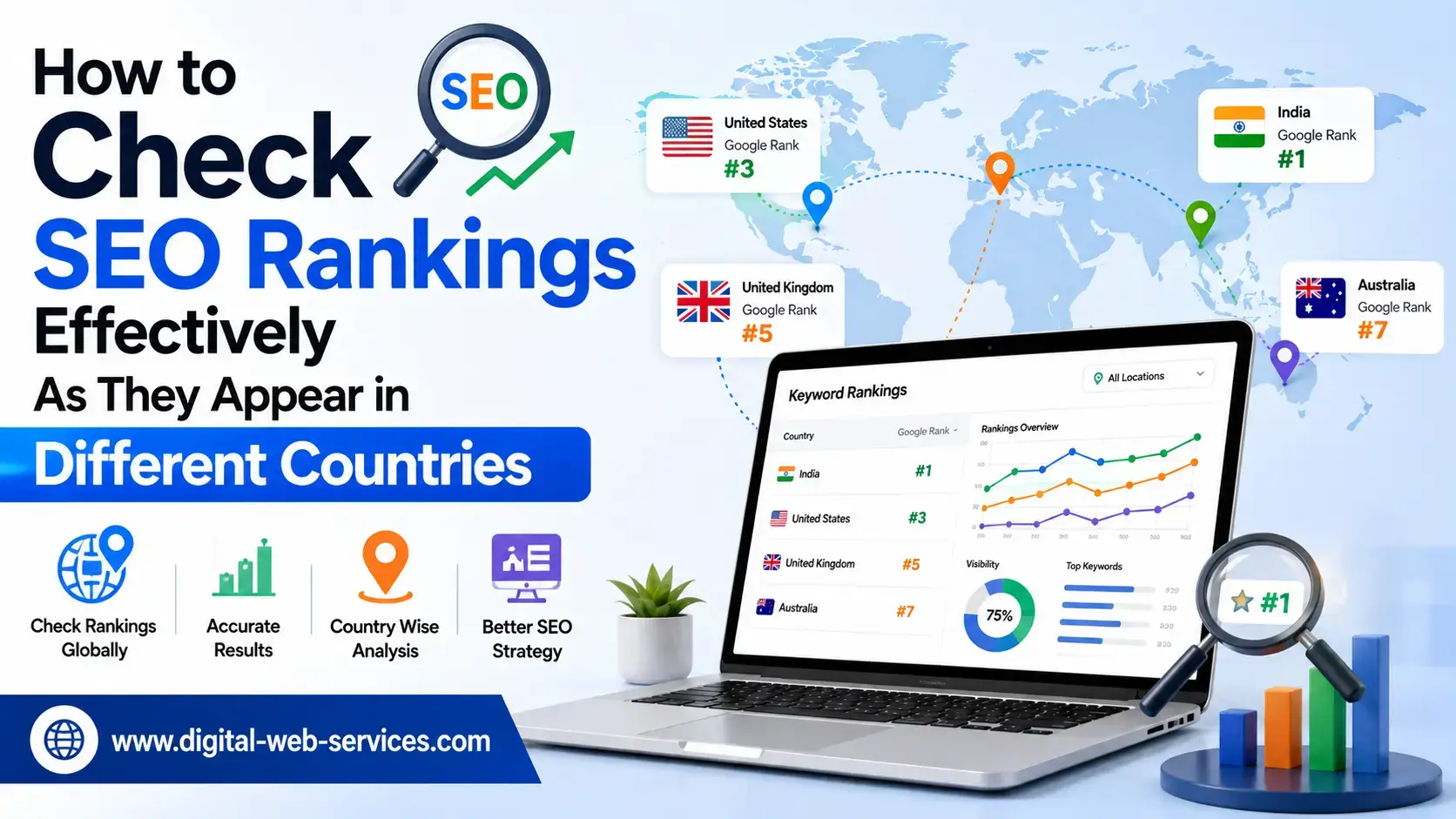
You finally reached the top in Google in relation to the key phrase, and then your customer in Germany complained that they could not find your website anywhere. This is the frustrating part: both of you were right. The position you see yourself in from your office is quite different from the position seen from another time zone. Search results are dependent on location, language, and a few other signals that Google considers before showing you anything. When you have an international presence and sell to multiple countries, your ranking check done from the office is misleading.
In this guide, we will discuss different effective techniques to check the ranking the way real users in other countries see it, why checking your ranking through your own browser is misleading, and how to still do it effectively in 2026 despite some changes at Google.
Why Your Rankings Are Different in Different Countries
Google individualizes search results. Based on IP address, language settings, and personal profile, two users may get completely different results while typing the same search phrase. Therefore, if you run a business in multiple countries, your ranking cannot be considered one number. In fact, it is as many numbers as you have markets.
There are deeper reasons why the rankings are different. While the Canadian user sees some local competitors that do not exist in your home market, different currencies, delivery expectations, and regional brands influence what pages are ranked higher.
In addition, Google started showing AI overviews in certain countries and not in others, and the rates at which these answer boxes appear vary greatly from one market to another. Thus, a keyword that leads to an AI Overview in the US will cause just regular blue links somewhere else, changing the ranking even if the position is the same.
Why Checking the Rankings in Your Own Browser Is Not Effective
Open the search engine and type your key phrase. The results you will get are tailored to your own profile. Your IP address, your account history, language settings, and even the device you use affect the results that you see. This is called personalization, and it makes the result of your ranking check biased. On competitive terms, this may affect your ranking by 5 positions or more, turning a problem into a false reassurance.
Opening an incognito window will help you with part of the problem because this technique hides your account history. Nevertheless, your location signal remains the same as it is still provided by your IP address. An incognito search in London will return the results tailored to Londoners.
Using Google’s gl Parameter to Localize Results
The easiest and most affordable solution is to make a small correction to your search address. There is a parameter, gl, that Google understands as geolocation and interprets your search request accordingly. You perform the regular search and add the country code to your URL.
Thus, gl=de tells Google to localize your search results in Germany, gl=au in Australia, and gl=ca in Canada. You may combine this with the hl parameter, setting your interface language and getting the result even closer to the real user experience. In this case, a German check is usually performed as a gl=de and hl=de combination.
There are limitations of this technique that should be taken into account. The gl parameter adjusts your results according to the country, but does not influence your IP, account, or exact location in the country. Thus, treat it as a good approximation of the result, but not as a precise mirror of your user. If you need a detailed analysis of ranking at the street level, this method will not work.
It is important to know one more thing here. Switching the address of Google to google.co.uk or some other country domain stopped working some time ago because the search was redirected to google.com. This way, the gl parameter became the most reliable way to localize the result of your manual check.
Checking the Results Using a VPN
VPN technology allows you to send your internet connection to another country. Instead of tricking Google with a parameter to simulate being in France, you become an actual browser from France. Combined with opening an incognito window and the right language setting, this gives you a close view of the local user experience, including local ads and map packs that parameter-based tricks sometimes ignore.
The workflow here is simple. You connect to the server of your chosen country through your VPN client, open an incognito window so your account history remains invisible to Google, perform the search, and note the position of your pages. Since the location signal here is not simulated but is real, the results of such a check are more reliable than in the case of the parameter alone.
If you are interested in the detailed step-by-step guide to viewing the search results from another country’s point of view through a VPN, you can read more here.
There is one warning to give here. Free VPN providers usually distribute your connection using IP addresses that have already been flagged by Google and thus trigger additional verification or show you distorted results. It is better to use a paid provider that will ensure you get a clean result.
Remember also that you get a snapshot of today only while checking with a VPN. This technology is suitable for a check but not for long-term monitoring.
Using Dedicated Rank Tracking Tools
Manual checks are acceptable for one keyword or two. However, checking dozens of keywords across several countries manually means opening lots of windows. This is the moment when rank tracking tools such as DailyRank earn their place. You enter your domain, keywords, and target countries, and the tool provides you with exact positions of your keywords in these markets on the schedule you set.
Good rank trackers provide you with results from inside the target country using their own servers there, and thus the results reflect the views of an actual user in this country. Most of such tools support more than 100 countries and allow you to separate the results by device, as mobile and desktop rankings are usually different. The best tools also indicate if an AI Overview appeared for a certain keyword in a certain market, which becomes crucial since Google implements these boxes unequally across the regions.
There are a few tips on making the data from your tracking tool reliable:
- Check the same keywords on mobile and desktop versions because your desktop position can be good while the mobile one is poor, and your audience mostly uses mobile search.
- Group your keywords by country and update the list every quarter, because search demand and competitors change, and a keyword that was relevant last quarter may become irrelevant.
What Recently Changed at Google
There were two updates during the past year that silently made the old practices irrelevant. First, Google stopped supporting the num parameter that used to help users load 100 results on one page. This update instantly broke many old rank tracking tools. If your reports suddenly became very thin, this is probably the reason.
To move beyond the first 10 results now, the start parameter is the only reliable way to use. With the start=10 option, you load the second page, then go further with each additional 10.
Secondly, Google started demanding JavaScript rendering in order to return the complete results. The simple scripts that used to load raw pages from Google became obsolete and returned incomplete or empty pages. Good rank tracking services have already taken this change into account.
Also, it is advisable to cross-check your tools’ data with the data provided by Google Search Console, which offers first-party position data from Google for your pages.
How to Put This All into a Simple Routine
You do not need all the methods at once. Choose the tool depending on the task. The free gl parameter is sufficient for a fast and free check of one keyword, while a VPN with a private window will help you check the results as the local user sees them, with all the ads and local listings. In order to check your results over several markets for some time, you need a rank tracking tool.
Consistency is as important as the tool. A one-time check does not tell you anything useful, while the same check performed several times a week tells you if the change is real or just a fluctuation. Small day-by-day moves of positions by 2 or 3 are nothing to worry about, but the sustained change in positions of related keywords is the signal you have to investigate.
Conclusion
Ranking is local, personalized, and constantly changing, so one check from your own computer tells you nothing about your overall performance. Start with a free gl parameter to get the idea, use a VPN when you need the real local view, and involve a rank tracker when checking several markets. Combining these methods, you get rid of a comfortable assumption and gain a precise and clear picture of your positions in each country separately. This is the only way you can eliminate the gaps you do not know about yet.

Maria Jain is a Senior Content Strategist and Tech Editor at Digital Web Services, with over 6+ years of experience covering digital marketing, website development, and search engine optimization. She specializes in WordPress site architecture, AI technologies, Web Hosting, topical authority models, and hands-on SaaS & affiliate tool reviews. Maria combines data-driven SEO practices with deep web design and technical insights to publish transparent guides, tool comparisons, and strategic tutorials for digital growth.