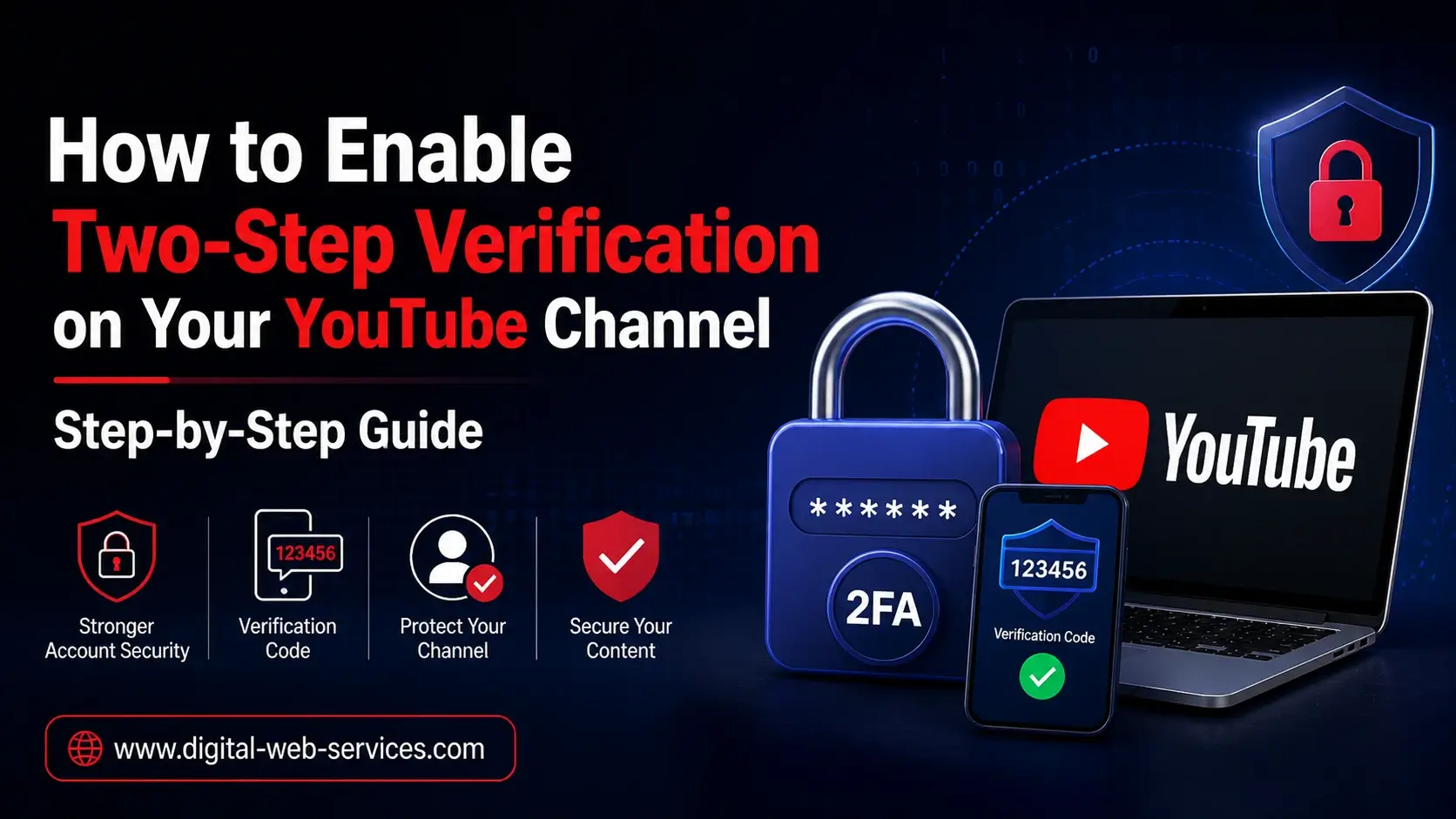
Two-step verification (2FA) is an essential security feature that helps protect your YouTube account from unauthorized access. By enabling 2FA, you add an extra layer of security to your Google account, which includes YouTube. This process requires you to verify your identity using something you know (your password) and something you have (your mobile phone). In this guide, we’ll walk you through the simple steps to enable two-step verification for your YouTube channel. Whether you’re securing your personal account or meeting YouTube monetization requirements, this step is crucial to safeguarding your content.
What is Two-Step Verification and Why Should You Enable It on Your YouTube Channel?
Two-step verification (2FA) is a method of securing online accounts by requiring two forms of identification before granting access. The first step is your regular password, and the second step involves verifying your identity through a mobile device. This second layer of protection makes it harder for unauthorized users to gain access to your account, significantly reducing the risk of hacking.
For YouTube creators, enabling 2FA is not just about enhancing security. It’s also a mandatory requirement for joining the YouTube Partner Program (YPP), which allows creators to monetize their channels. Enabling 2FA ensures your account is protected while also keeping you eligible for monetization.
How to Enable Two-Step Verification on Your YouTube Channel?
Follow these steps to enable two-step verification for your YouTube account:
1. Sign In to Your Google Account
Start by signing into your Google account that is linked to your YouTube channel. You’ll need to access Google’s security settings to begin the 2FA process.
2. Go to Google Account Security Settings
Once logged in, visit myaccount.google.com/security. Here, you’ll find all security options for your Google account, including two-step verification.
3. Enable Two-Step Verification
Under the section titled “How you sign in to Google,” you will see the option for 2-Step Verification. Click on Get Started to begin the setup.
4. Enter Your Google Account Password
Google will ask you to verify your identity by entering your account password again. This step ensures that only the account owner can enable two-step verification.
5. Add Your Phone Number
Next, select your country and enter your mobile phone number. This will be used to send you a verification code via text or call.
6. Choose Your Preferred Verification Method
Google will prompt you to choose how you would like to receive the verification code:
- Text Message: Receive a code via SMS.
- Phone Call: Receive a call with the verification code.
- Google Prompt: Use your device’s Google prompt to verify your identity instantly.
7. Confirm and Enable 2-Step Verification
After receiving the verification code, enter it into the Google security settings. Click Turn On to enable two-step verification for your account.
8. Backup Options (Highly Recommended)
Set up backup options like an alternate phone number or backup codes. These will help you regain access to your account if you lose your phone or can’t receive a verification code.
How to Use Backup Codes for Two-Step Verification?
Sometimes, you may not have access to your primary phone. In these cases, backup codes come in handy. Google allows you to generate backup codes that you can print or save to a secure location. If you ever lose access to your mobile device, you can use these codes to sign in to your account.
To generate backup codes, go to the 2-Step Verification section and select Backup Codes. Download or print them for future use.
What Are the Benefits of Enabling Two-Step Verification on Your YouTube Channel?
Enabling two-step verification on your YouTube channel offers several benefits:
- Enhanced Security: It adds a layer of protection against unauthorized access.
- Eligibility for Monetization: You must enable 2FA to join the YouTube Partner Program.
- Protection Against Phishing: Two-step verification helps protect against phishing attacks, which are common on social media platforms.
Also Read: How to Set Up Two-Step Verification on Gmail: A Step-by-Step Guide
Frequently Asked Questions (FAQs)
1. How Do I Know If My YouTube Account Has Two-Step Verification Enabled?
To check if 2FA is active on your YouTube account, visit your Google Account’s security settings. Under the 2-Step Verification section, it will indicate whether it is turned on.
2. What Should I Do If I Lose Access to My Phone?
If you lose access to your phone, you can use your backup codes, a secondary phone number, or a trusted device to regain access to your account. Make sure to update your backup options regularly.
3. Is Two-Step Verification Required for YouTube Monetization?
Yes, enabling two-step verification is a requirement for joining the YouTube Partner Program and enabling monetization features on your YouTube channel.
4. Can I Use a Passkey Instead of a Mobile Number for Two-Step Verification?
Yes, Google now offers the option to use a passkey, such as a fingerprint or facial recognition, to verify your identity without relying on a mobile number. This is a great option if you want a more seamless experience.
5. What Happens If I Don’t Enable Two-Step Verification on My YouTube Channel?
If you do not enable 2FA, you will not be able to join the YouTube Partner Program and will miss out on monetizing your channel. Additionally, your account may be more vulnerable to security threats.
Conclusion: Why You Should Enable Two-Step Verification on Your YouTube Channel
Securing your YouTube account with two-step verification is one of the best steps you can take to protect your content, data, and privacy. Not only does it provide a strong defense against unauthorized access, but it is also a requirement for YouTube monetization. By following these simple steps, you can ensure that your YouTube channel remains safe and that your hard work is protected. Make sure to set up backup options and keep your account secure to avoid any future issues.

Maria Jain is a Senior Content Strategist and Tech Editor at Digital Web Services, with over 6+ years of experience covering digital marketing, website development, and search engine optimization. She specializes in WordPress site architecture, AI technologies, Web Hosting, topical authority models, and hands-on SaaS & affiliate tool reviews. Maria combines data-driven SEO practices with deep web design and technical insights to publish transparent guides, tool comparisons, and strategic tutorials for digital growth.