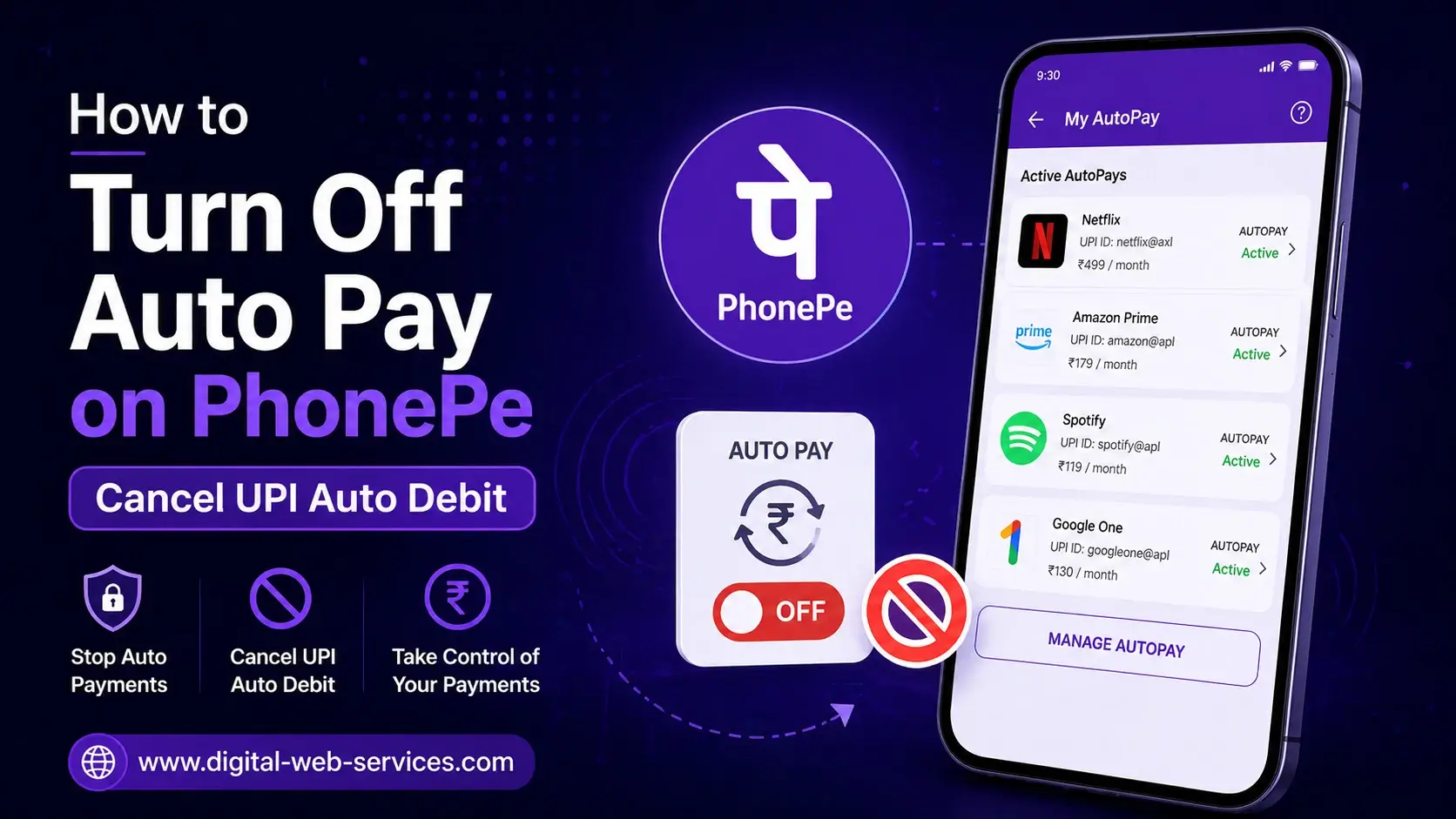
To turn off auto-pay subscriptions on PhonePe, open the app and tap your profile icon. Go to Payment Settings → AutoPay, where you’ll see all active mandates (subscriptions). Select the subscription you want to stop, tap “Remove AutoPay” or “Cancel Auto Debit,” and confirm using your UPI PIN.
Once cancelled, future automatic payments will stop immediately. However, any payment already processed cannot be reversed through PhonePe—you’ll need to contact the service provider (like OTT apps or utility services) for refunds. This method works for all UPI autopay mandates, including subscriptions like OTT platforms, bill payments, and memberships.
What is AutoPay on PhonePe and How Does It Work?
AutoPay on PhonePe is a feature that allows automatic recurring payments using UPI. It’s commonly used for:
- OTT subscriptions (Netflix, YouTube, JioHotstar)
- Utility bills (electricity, broadband)
- App memberships and services
When you enable UPI AutoPay, you authorize a merchant to deduct money automatically at scheduled intervals without manual approval each time.
How to Turn Off Auto-Pay Subscriptions on PhonePe Step by Step?
1. How to Open PhonePe and Access Profile Settings?
- Launch the PhonePe app
- Tap your profile picture (top-left corner)
2. How to Find AutoPay Settings in PhonePe?
- Scroll to Payment Settings
- Tap on AutoPay / UPI Mandates
3. How to Select the Subscription You Want to Cancel?
- View the list of active auto-pay subscriptions
- Tap the specific UPI mandate you want to stop
4. How to Cancel or Remove Auto Debit on PhonePe?
- Tap “Remove AutoPay” or “Cancel Auto Debit”
- Confirm cancellation by entering your UPI PIN
What Happens After You Cancel AutoPay on PhonePe?
- ✅ Future payments stop instantly
- ❌ No automatic deductions will occur
- ⚠️ Already paid charges are not refunded automatically
- 📩 You must contact the merchant for refunds
Can You Turn Off AutoPay from the Subscription App Instead?
Yes. You can also manage subscriptions directly inside apps like:
- OTT platforms
- Membership apps
- Service providers
However, disabling it from PhonePe ensures no UPI mandate remains active.
Real Workflow Example (User Scenario)
Let’s say you subscribed to a streaming service using PhonePe AutoPay:
- Subscription renews every month automatically
- You no longer want to continue
- You open PhonePe → AutoPay → Select subscription
- Tap Cancel Auto Debit
- Enter UPI PIN
👉 Result: No future charges will be deducted.
Common Issues & Fixes (Expert Insights)
Problem: AutoPay option not visible
👉 Update your PhonePe app or check under “Mandates”
Problem: Payment still deducted after cancellation
👉 Check if cancellation was done before billing cycle
Problem: Want refund after auto debit
👉 Contact the service provider (PhonePe doesn’t handle refunds)
SEO Keywords Used Naturally
- turn off auto pay PhonePe
- cancel PhonePe subscription
- stop auto debit UPI
- PhonePe autopay cancel
- disable recurring payments PhonePe
- how to remove UPI mandate
- stop subscription payments PhonePe
FAQs
Q: How do I stop automatic payments on PhonePe?
Open PhonePe → Profile → AutoPay → Select subscription → Tap “Cancel Auto Debit” → Enter UPI PIN.
Q: Can I cancel UPI AutoPay anytime?
Yes, you can cancel UPI AutoPay anytime before the next billing cycle.
Q: Will I get a refund after cancelling AutoPay?
No, PhonePe does not process refunds. You need to contact the merchant directly.
Q: Where can I find my active subscriptions on PhonePe?
Go to Profile → Payment Settings → AutoPay to see all active mandates.
Q: Is it safe to use AutoPay on PhonePe?
Yes, AutoPay uses secure UPI authorization and requires your UPI PIN for approvals.
Final Thoughts
Managing subscriptions is important to avoid unwanted charges. By regularly checking your AutoPay settings in PhonePe, you stay in control of your payments. This simple process ensures better financial management and prevents unnecessary deductions.

Maria Jain is a Senior Content Strategist and Tech Editor at Digital Web Services, with over 6+ years of experience covering digital marketing, website development, and search engine optimization. She specializes in WordPress site architecture, AI technologies, Web Hosting, topical authority models, and hands-on SaaS & affiliate tool reviews. Maria combines data-driven SEO practices with deep web design and technical insights to publish transparent guides, tool comparisons, and strategic tutorials for digital growth.