Running an online business or freelancing full-time is exciting. You get to be your own boss, choose your clients, and work from anywhere. But there’s one part of freelance life that nobody talks about enough: the financial admin.
When you work for an employer, payroll, taxes, and documentation are handled for you. When you’re on your own, all of that becomes your responsibility. And if you don’t stay on top of it, tax season turns into a nightmare, clients question your professionalism, and simple tasks like renting an apartment or applying for a loan become unnecessarily complicated.
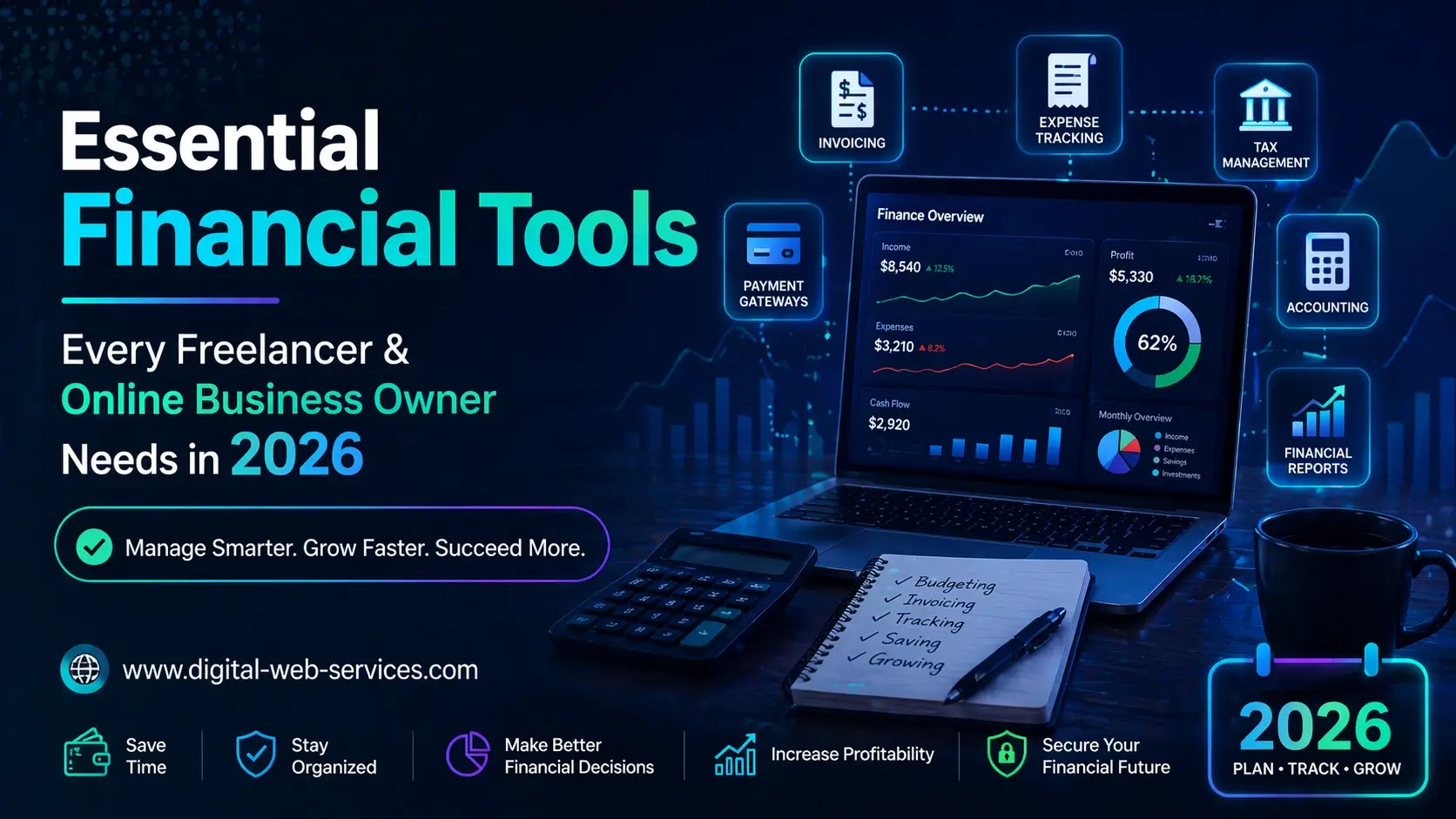
The good news is that there are plenty of online tools designed to make financial management easy, even if you’re not an accountant. In this post, we’ll walk you through the essential financial tools every freelancer and online business owner should have in their toolkit.
1. Accounting and Bookkeeping Software
If you’re still tracking income and expenses in a spreadsheet, it’s time for an upgrade. Cloud-based accounting tools automate the tedious parts of bookkeeping and give you a real-time view of your financial health.
Here are some popular options:
- QuickBooks Self-Employed: Built specifically for freelancers and sole proprietors. It separates business and personal expenses, tracks mileage, and estimates quarterly taxes automatically.
- FreshBooks: Known for its clean interface and excellent invoicing features. Great for service-based freelancers who bill clients by the hour or project.
- Wave: A completely free option that covers invoicing, receipt scanning, and basic accounting. Ideal for freelancers who are just starting out and want to keep costs low.
Whichever tool you choose, the key is to use it consistently. Log your income and expenses as they happen; not in a frantic rush before tax day.
2. Invoicing Tools
Professional invoices are not just about getting paid—they’re a reflection of your brand. Sending a well-formatted invoice with clear payment terms signals to clients that you run a legitimate, professional operation.
Most accounting platforms include invoicing features, but if you want a standalone tool, options like Zoho Invoice and PayPal Invoicing offer free tiers with customisable templates, automatic payment reminders, and multi-currency support.
Regardless of the tool you use, every invoice should include your business name, contact information, a unique invoice number, itemised services, payment terms, and the due date. Being consistent with these details reduces payment disputes and speeds up your cash flow.
3. Pay Stub Generators
Here’s one that a lot of freelancers overlook. If you pay yourself a regular draw from your business (or if you have employees or contractors on your team) you need to create pay documentation.
Pay stubs aren’t just for traditional employees. Freelancers and online business owners need them too, especially for:
- Proving income on rental applications or mortgage pre-approvals
- Applying for loans or lines of credit
- Maintaining clean financial records for tax purposes
- Documenting compensation for employees or subcontractors
The process is easier than most people think. If you’re wondering how to make pay stubs, online generators let you enter your income details, deductions, and pay period, and produce a professional, itemised document in minutes. No accounting degree required.
Having clean pay documentation from the start saves you from scrambling later when a landlord, lender, or tax authority asks for proof of income. It’s a small habit that pays off significantly.
4. Expense Tracking and Receipt Management
Every business expense you track is a potential tax deduction. And every receipt you lose is money left on the table.
Mobile apps like Expensify and Dext (formerly Receipt Bank) let you photograph receipts on the spot and automatically categorise them. They sync with your accounting software, so expenses flow directly into your books without manual data entry.
For freelancers who work from home, don’t forget to track home office expenses, internet bills, software subscriptions, and any equipment you purchase for work. These deductions add up quickly and can significantly reduce your tax burden.
5. Tax Preparation and Filing Tools
As a freelancer or business owner, you’re responsible for your own taxes: including quarterly estimated payments. Missing these deadlines results in penalties and interest that eat into your earnings.
Tools like TurboTax Self-Employed and H&R Block Premium guide you through the self-employment tax process step by step. They import data from your accounting software, identify deductions you might have missed, and handle both federal and state filings.
If your tax situation is more complex (multiple income streams, international clients, or business entity structures) consider working with a CPA who specialises in freelance and small business taxes. The cost of professional tax preparation is itself a tax-deductible business expense.
6. Payment Processing Platforms
Getting paid quickly and securely is critical for cash flow. The right payment processor depends on your business model:
- Stripe: Ideal for online businesses that need to accept credit card payments through a website or app. Stripe’s API integrates with virtually any platform.
- PayPal: Still the most widely recognised payment platform globally. Great for international clients who may not have access to other payment methods.
- Wise (formerly TransferWise): Excellent for freelancers who work with international clients. Wise offers real mid-market exchange rates with transparent fees, making cross-border payments significantly cheaper.
Whichever platform you use, keep records of every transaction. Payment processor records serve as a backup to your accounting software and are invaluable during tax season.
7. Contract and Proposal Templates
Financial management isn’t just about tracking money after it comes in. It starts with setting clear expectations before a project begins.
Platforms like HoneyBook, Bonsai, and AND.CO offer templates for contracts, proposals, and scope-of-work documents. These tools help you define payment terms, project milestones, and cancellation policies upfront; reducing the risk of non-payment and scope creep.
A well-structured contract protects both you and your client. If you’re not using one for every project, you’re exposing yourself to unnecessary risk.
Putting It All Together
Financial management doesn’t have to be overwhelming. The tools listed above handle the heavy lifting, and most of them are either free or very affordable. The key is to set up your systems early and use them consistently.
Here’s a simple starter workflow:
- Sign up for accounting software and connect your business bank account.
- Create invoice and contract templates that you can reuse for every client.
- Set up a pay stub generator to document your own compensation each pay period.
- Download a receipt tracking app and start capturing expenses immediately.
- Set quarterly calendar reminders for estimated tax payments.
As your business grows, your financial toolkit will grow with it. But these fundamentals will serve you from day one through to six figures and beyond.
Final Thoughts
The freelancers and online business owners who succeed long-term aren’t just great at their craft. They’re great at the business behind the craft. Financial documentation, accurate bookkeeping, and professional invoicing aren’t glamorous, but they’re what separate hobbyists from real business owners.
Invest a few hours setting up your financial tools now, and you’ll save yourself dozens of hours—and potentially thousands of dollars—down the road. Your future self will thank you.

Maria Jain is a Senior Content Strategist and Tech Editor at Digital Web Services, with over 6+ years of experience covering digital marketing, website development, and search engine optimization. She specializes in WordPress site architecture, AI technologies, Web Hosting, topical authority models, and hands-on SaaS & affiliate tool reviews. Maria combines data-driven SEO practices with deep web design and technical insights to publish transparent guides, tool comparisons, and strategic tutorials for digital growth.