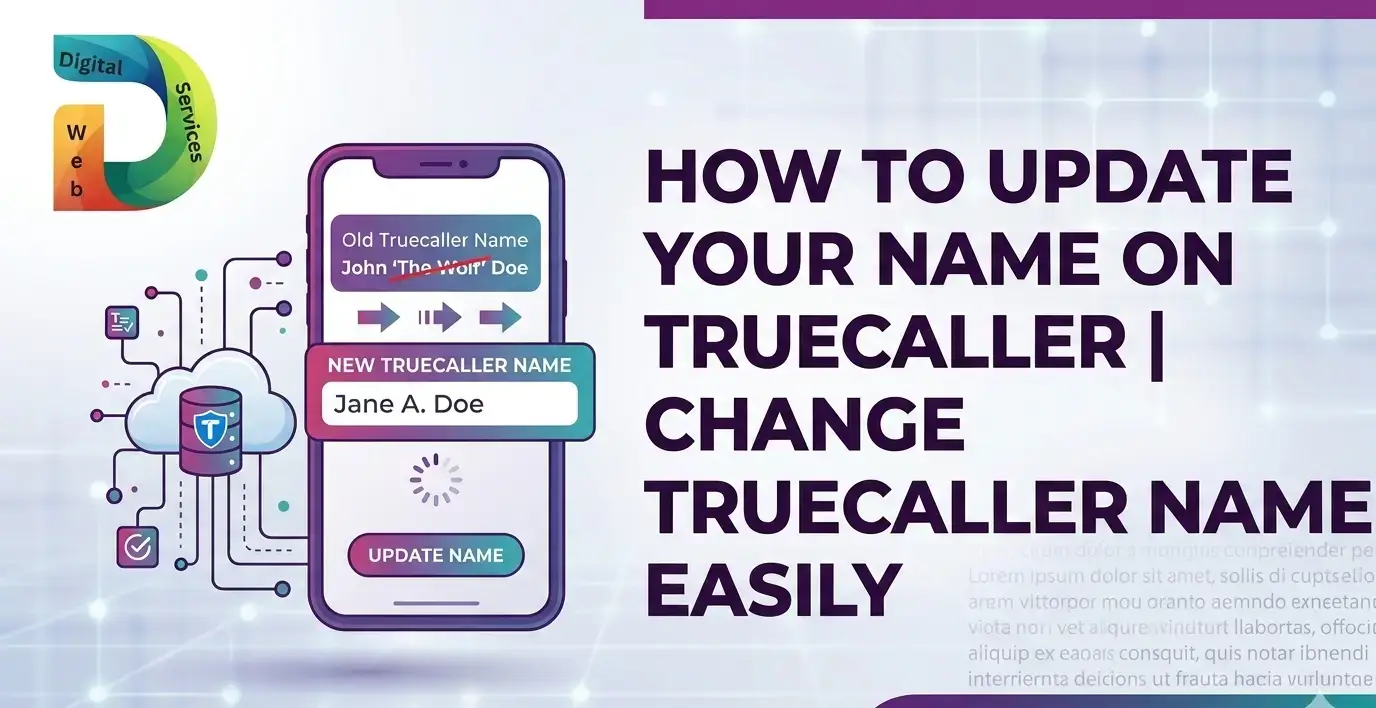
Truecaller is one of the most widely used caller identification apps. It helps people identify unknown numbers, block spam calls, and view caller details before answering. Many users search for how to update name on Truecaller, change name in Truecaller, or correct name on Truecaller when their profile shows an incorrect name.
If your Truecaller profile displays the wrong name or an outdated one, updating it is simple. This guide explains how to change your name on Truecaller, step by step, using the mobile app or the official website. Most updates appear on the platform within 24 to 48 hours.
Why You May Need to Update Your Name on Truecaller
People often want to edit their name on Truecaller for several reasons.
- Your number shows the wrong name
- You changed your name
- Your business name needs updating
- The displayed name was added by another user
- You want a professional caller ID
Updating your profile ensures people see the correct identity when you call them.
How to Update Your Name on Truecaller Using the App
The easiest method to change your name on Truecaller is through the mobile app. The steps are slightly different for Android and iPhone.
Update Truecaller Name on Android
Follow these simple steps if you use an Android phone.
- Open the Truecaller app on your phone
- Tap the profile icon or the menu icon in the top corner
- Select Edit Profile
- Tap the pencil icon next to your name
- Enter your correct first name and last name
- Tap Save
Your updated name will be submitted to Truecaller. In most cases, the change appears within 24–48 hours.
Change Truecaller Name on iPhone (iOS)
If you use an iPhone, follow these steps.
- Open the Truecaller app
- Tap the profile icon on the top left
- Select Edit Profile
- Update your first and last name
- Tap Save or Done
Once saved, Truecaller will update your profile across its system.
How to Change Your Name on Truecaller Without the App
Some users search for how to update Truecaller name without installing the app. This can be done through the official Truecaller website.
Steps to Update Name via Truecaller Website
- Visit the Truecaller search page
- Sign in with your account
- Enter your mobile number
- Click Suggest a better name
- Enter your correct name
- Submit the request
After submission, Truecaller reviews the suggestion and updates the listing.
Verify Your Name on Truecaller Using DigiLocker (India)
Truecaller introduced a Verified Name Badge for users in India.
This feature allows your name to be verified using DigiLocker, which connects to official government records.
Benefits of Verified Name Badge
- Confirms your identity
- Improves trust when people receive your call
- Displays an official verified tag
- Helps prevent incorrect name listings
At the moment, this feature is mainly available for Android Premium and Gold users in India.
How Long Does It Take to Update Truecaller Name?
Many users ask how long Truecaller takes to update name.
In most situations:
- Name updates appear within 24 to 48 hours
- Sometimes it may take longer due to data syncing
- The system updates across the Truecaller community database
If your name still appears incorrectly after two days, try clearing the app cache.
Fix Truecaller Name Not Updating
If your Truecaller name change is not showing, try these quick fixes.
Clear App Cache (Android)
- Go to Phone Settings
- Tap Apps
- Select Truecaller
- Open Storage
- Tap Clear Cache
Remove Old Search Entry
If your number appears in search history:
- Open Truecaller
- Search your number
- Delete the old entry
This helps refresh the updated name in search results.
Tips to Keep Your Truecaller Profile Accurate
To ensure your Truecaller profile name stays correct, follow these tips.
- Keep your profile updated
- Use your real name
- Link your email and social accounts
- Verify your account when possible
- Avoid frequent name changes
A correct profile improves recognition and trust when making calls.
| Also Read: Instagram Bio Generator AI Tools: Simplifying the Art of Crafting Perfect Bios
FAQs About Updating Name on Truecaller
1. How can I change my name on Truecaller?
You can change your name by opening the Truecaller app, going to Edit Profile, updating your name, and saving the changes.
2. How long does Truecaller take to update name?
Most name updates appear within 24 to 48 hours.
3. Can I update my Truecaller name without the app?
Yes. You can visit the Truecaller website and use the Suggest a better name option.
4. Why is my wrong name showing on Truecaller?
Truecaller collects data from users’ phone contacts. If many people saved your number with a different name, it may appear that way.
5. How do I verify my name on Truecaller?
In India, you can verify your name using DigiLocker, which links your account with official government records.
6. Can I remove my name from Truecaller?
Yes. You can unlist your number from Truecaller through the official unlisting page.
Final Thoughts
Keeping your profile accurate on Truecaller helps people recognize who is calling them. Whether you want to update name on Truecaller, correct your caller ID, or verify your identity, the process takes only a few minutes.

Maria Jain is a Senior Content Strategist and Tech Editor at Digital Web Services, with over 6+ years of experience covering digital marketing, website development, and search engine optimization. She specializes in WordPress site architecture, AI technologies, Web Hosting, topical authority models, and hands-on SaaS & affiliate tool reviews. Maria combines data-driven SEO practices with deep web design and technical insights to publish transparent guides, tool comparisons, and strategic tutorials for digital growth.