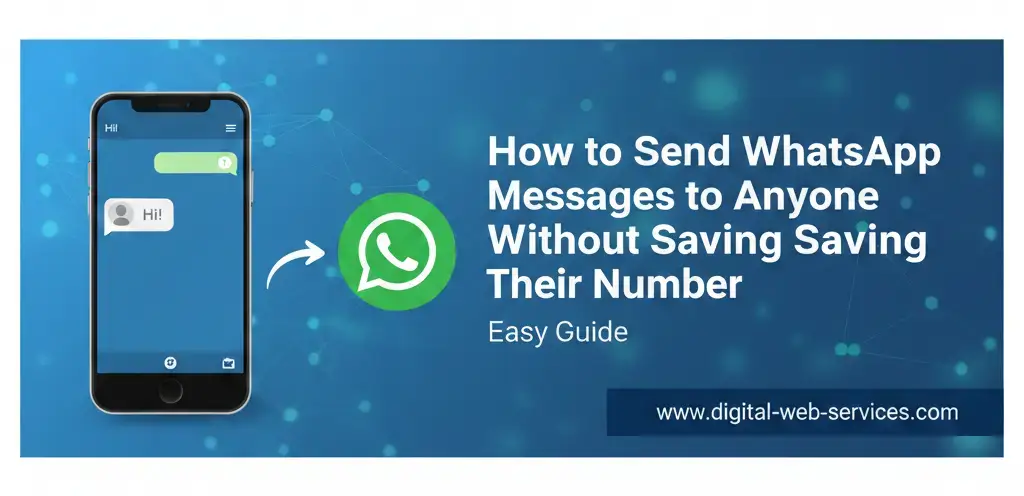
WhatsApp is one of the most widely used messaging platforms, and sometimes, you may need to contact someone on WhatsApp without saving their number. Whether it’s for business or a quick conversation, you can easily send a message without cluttering your contact list. This article explains several methods to send WhatsApp messages to anyone, without needing to save their mobile number, using official features and third-party apps.
How to Send WhatsApp Messages Without Saving the Number?
WhatsApp offers several simple ways to send messages to unsaved numbers, ensuring a smooth and efficient messaging experience. Below are the most effective methods.
Method 1: Using WhatsApp’s Official “Click to Chat” Feature
This is an official WhatsApp feature that works on both mobile devices and desktop web browsers. It’s the simplest way to send a message to someone without saving their contact.
Steps:
- Open your preferred web browser (Chrome, Safari, Firefox, etc.).
- In the address bar, type:
https://wa.me/followed immediately by the recipient’s full phone number in international format (with the country code, but without the plus sign, dashes, or parentheses). - Example for a US number:
https://wa.me/11234567890 - Press Enter or Go.
- A WhatsApp webpage will appear with the phone number and a green button labeled “Continue to Chat” or “Open WhatsApp”.
- Tap on the button, and you’ll be redirected to a chat window with that person. You can now send them a message without saving their number.
Method 2: Using WhatsApp’s “Message Yourself” Feature (In-App)
If you prefer staying within the WhatsApp app, the “Message Yourself” feature makes it easy to send a message to an unsaved number.
Steps:
- Open WhatsApp and go to your own personal chat (often listed as “You” or your name).
- Type or paste the unsaved phone number (including the country code) into the text field and send it to yourself.
- After sending the message, tap on the number you just sent in the chat.
- From the pop-up menu, select the option to “Chat with [Number]”. This opens a new chat window, and you can start messaging the person.
This method allows you to interact directly with unsaved numbers without leaving the app.
Other Methods to Send WhatsApp Messages Without Saving the Number
Here are a few additional ways to send WhatsApp messages to unsaved numbers:
From a WhatsApp Group:
If you and the person are already in the same WhatsApp group, simply tap on their number in the group member list or in their message. You’ll be able to initiate a private chat with them.
Using Third-Party Apps:
Some third-party apps, such as Truecaller or “Click to Chat,” also offer the ability to message unsaved numbers. These apps provide a convenient option but might not be as secure as WhatsApp’s official methods. For better security and privacy, it’s recommended to stick with official WhatsApp features.
Using Google Assistant or Siri Shortcuts:
For Android users, you can say “Send a WhatsApp to [phone number]” using Google Assistant. On iPhones, you can use a Siri Shortcut to send messages to unsaved numbers. This is a quick voice command option if you’re on the go.
| Also Read: How to Restore and Recover Your Chats and Media Files on WhatsApp After Uninstalling
FAQs:
1. Can I send a WhatsApp message without adding the number to contacts?
Yes, you can use WhatsApp’s “Click to Chat” feature or the “Message Yourself” feature to send messages to unsaved numbers.
2. Is it safe to use third-party apps for messaging unsaved numbers?
While third-party apps like Truecaller offer the feature, using official WhatsApp methods is recommended for better privacy and security.
3. Can I send a WhatsApp message directly from a browser?
Yes, the “Click to Chat” feature allows you to send a WhatsApp message directly from a browser without saving the contact.
4. Can I send a WhatsApp message to multiple unsaved numbers?
You can use the “Click to Chat” feature for each number individually. However, WhatsApp does not have a built-in option to message multiple unsaved numbers at once.

Maria Jain is a Senior Content Strategist and Tech Editor at Digital Web Services, with over 6+ years of experience covering digital marketing, website development, and search engine optimization. She specializes in WordPress site architecture, AI technologies, Web Hosting, topical authority models, and hands-on SaaS & affiliate tool reviews. Maria combines data-driven SEO practices with deep web design and technical insights to publish transparent guides, tool comparisons, and strategic tutorials for digital growth.