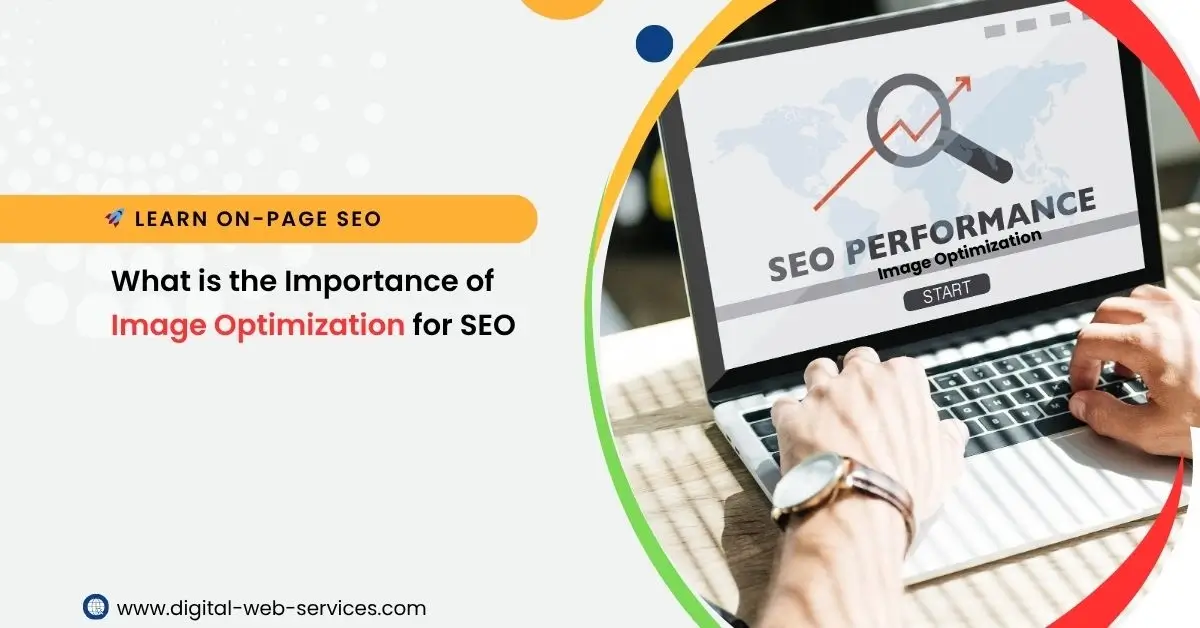
In the world of SEO, image optimization is a crucial factor that directly impacts website performance. Search engines like Google prioritize user experience, and a key element of that is how fast a webpage loads. Images often account for a significant portion of page size, and unoptimized images can slow down a website, leading to poor user experiences and lower search engine rankings.
Why is Image Optimization Important for SEO?
- Improved Page Load Speed:
Images that are too large can slow down page load times, negatively affecting user experience. Search engines factor in page load speed as a ranking signal, and faster-loading pages rank better in search results. By compressing and resizing images, you can significantly improve page speed and overall SEO performance. - Better User Experience:
Slow-loading images can frustrate users and increase bounce rates. By ensuring images load quickly, users are more likely to stay on your site longer, interact with your content, and convert into customers. - Increased Organic Traffic:
Optimizing images can also make your website more visible in Google Image Search. This not only brings more traffic but also enhances your site’s discoverability in search engines. - Mobile Optimization:
With mobile-first indexing becoming a standard, image optimization ensures your site performs well on mobile devices. Properly sized images that load quickly on mobile can boost your site’s ranking on both desktop and mobile search results.
How to Implement Image Optimization for SEO
- Choose the Right File Format:
Use the appropriate image file format to balance quality and file size. Common formats include JPEG (best for photos), PNG (ideal for graphics with transparency), and WebP (best for high-quality images with smaller file sizes). - Compress Images:
Use tools like TinyPNG or ImageOptim to reduce image size without compromising quality. Image compression helps lower page load times and saves bandwidth. - Use Descriptive File Names:
Instead of generic names like “image1.jpg,” give your images descriptive, keyword-rich file names. For example, “red-velvet-cake-recipe.jpg” is more descriptive and helps search engines understand what the image is about. - Add Alt Text:
Alt text is essential for SEO and accessibility. Describe the image content using relevant keywords that help search engines understand the context of the image. This can also improve visibility in image search results. - Use Responsive Images:
Ensure that images are displayed correctly on all screen sizes. Use the srcset attribute in HTML to specify different image sizes for various screen resolutions, improving mobile user experience. - Implement Lazy Loading:
Lazy loading ensures that images only load when they come into view, which reduces initial page load time. This method can significantly improve SEO by speeding up the overall load time of the page. - Optimize Image Dimensions:
Resize images to the exact dimensions needed for your website. Large images can slow down the site, and resizing them to fit the required size ensures faster loading times without sacrificing quality. - Use a Content Delivery Network (CDN):
A CDN can help load images faster by serving them from a server closest to the user. This reduces load times and can improve SEO rankings.
Final Thoughts
By optimizing images for SEO, you ensure that your website loads faster, provides a better user experience, and improves search engine rankings. It’s a fundamental aspect of SEO that shouldn’t be overlooked. Whether you’re just starting or looking to fine-tune your SEO strategy, learn On-page SEO with Digital Web Services and stay ahead of the competition by implementing effective image optimization strategies.
By following these image optimization techniques, you’ll see an improvement in your website’s performance, ranking, and overall user engagement.

Maria Jain is a Senior Content Strategist and Tech Editor at Digital Web Services, with over 6+ years of experience covering digital marketing, website development, and search engine optimization. She specializes in WordPress site architecture, AI technologies, Web Hosting, topical authority models, and hands-on SaaS & affiliate tool reviews. Maria combines data-driven SEO practices with deep web design and technical insights to publish transparent guides, tool comparisons, and strategic tutorials for digital growth.