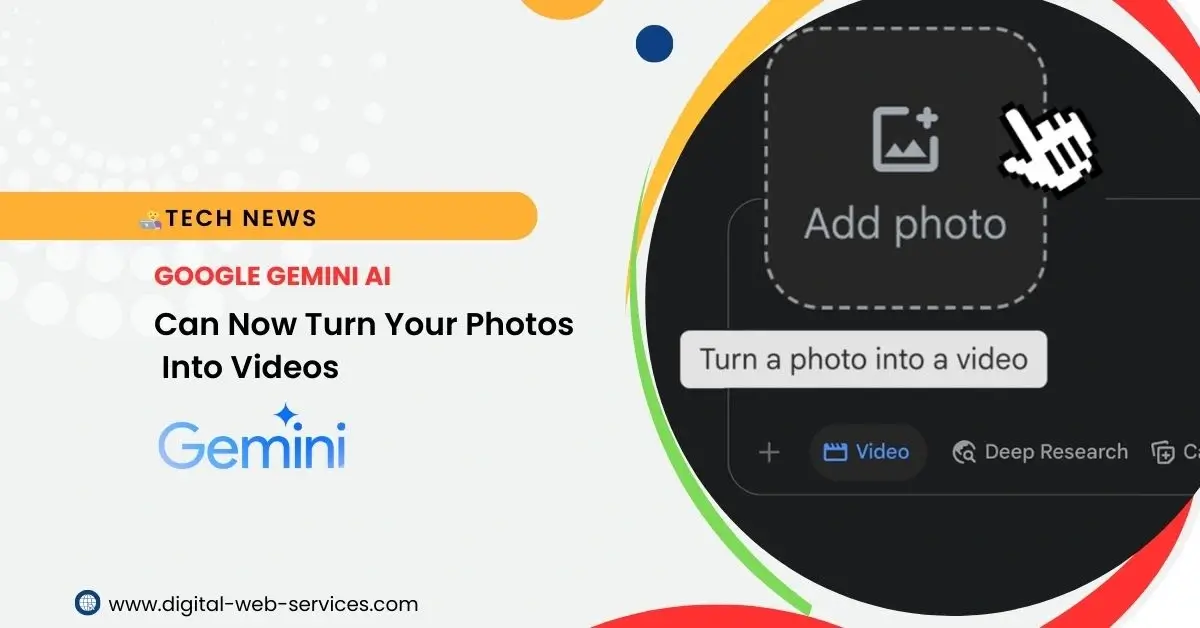
Google Gemini has officially unveiled a groundbreaking feature that allows users to transform still photographs into dynamic, eight-second video clips complete with sound. Powered by Google’s advanced Veo 3 video generation model, this innovation opens up a new realm of creative possibilities for everyone from casual users to content creators.
Key Features of Photo-to-Video in Gemini
AI-Powered Animation
At its core, the feature utilizes the powerful Veo 3 model to analyze your uploaded photo and intelligently animate elements within it. You provide a text prompt to guide the AI on what you want to see happen in the video. For instance, you could upload a picture of a cat and prompt, “the cat sees a mouse nearby and jumps to catch it,” and Gemini will generate a video reflecting that action.
Integrated Sound Generation
Not just visual, Gemini’s photo-to-video capability also includes native audio generation. You can include audio instructions in your prompt, describing ambient sounds, dialogue, or other effects to enhance the video’s realism and immersion.
User-Friendly Interface
The process is designed to be intuitive. Users simply select the “Video” option in the Gemini prompt bar, upload their desired photo, and input a descriptive text prompt.
Quick Generation
While the complexity of the prompt can influence generation time, videos are typically created within 1 to 2 minutes.
Standard Output
The generated videos are 8 seconds long, delivered in 720p (HD) resolution, and have a 16:9 landscape aspect ratio.
AI Watermarks for Transparency
To ensure transparency, all AI-generated videos will feature a visible watermark and an invisible SynthID digital watermark. This clearly indicates that the content was created using AI.
Accessibility
The feature is accessible through both the Gemini web interface (gemini.google.com) and the Gemini mobile app.
Benefits for Users of Gemini to Turn Photos Into Videos
The ability to transform photos into videos with Gemini offers a myriad of benefits:
- Unleashed Creativity: It allows users to bring still images to life in unprecedented ways. You can animate everyday objects, breathe movement into drawings and paintings, or add dynamic elements to nature scenes.
- Simplified Video Creation: Traditional video editing can be complex and time-consuming. Gemini’s feature democratizes video creation, enabling anyone to produce short, engaging clips without needing advanced software or technical skills.
- Rapid Prototyping and Visualization: For professionals and creators, this tool can serve as an excellent rapid prototyping or brainstorming tool. Quickly visualize concepts, animate storyboards, or test out ideas with minimal effort.
- Enhanced Storytelling: Adding motion and sound to photos can significantly enhance storytelling. It allows for more immersive and compelling narratives, whether for personal memories, social media content, or creative projects.
- Accessibility and Engagement: Dynamic video content is often more engaging than static images. This feature provides an easy way to create content that can capture attention and improve audience engagement.
FAQs on Turn Photos into Videos with Gemini AI
Q: Who can use the photo-to-video feature in Google Gemini?
A: This feature is currently available to Google AI Pro and Google AI Ultra subscribers in select countries. Users must also be signed in to Gemini Apps and be over 18 years old.
Q: How long are the videos generated?
A: The generated videos are typically 8 seconds long.
Q: What resolution and aspect ratio do the videos have?
A: Videos are generated in 720p (HD) resolution with a 16:9 landscape aspect ratio.
Q: Can I add my own audio to the video?
A: While you cannot upload your own audio files, you can describe the desired audio (e.g., ambient sounds, dialogue) in your text prompt, and Gemini’s AI will generate accompanying sound.
Q: Are there any limitations on the types of photos I can use?
A: While the feature works well with a wide range of images, including everyday objects, drawings, paintings, and nature scenes, Google has noted that animating real people’s faces is an evolving technology and may not always produce fully representative outputs. It’s also crucial to only upload photos you have the rights to use.
Q: How long does it take to generate a video?
A: Video generation usually takes 1 to 2 minutes.
Q: Will the generated videos have a watermark?
A: Yes, all AI-generated videos will include a visible watermark and an invisible SynthID digital watermark to indicate they are AI-generated.
Q: Can I use this feature on my mobile device?
A: Yes, the photo-to-video capability is available on both the Gemini web app and the Gemini mobile app.
Q: What if the feature isn’t available to me yet?
A: Google is gradually rolling out this feature to eligible users. If you are a Google AI Pro or Ultra subscriber and don’t see the option, you may need to wait for it to become available in your region. The feature is not currently available in the European Economic Area, Switzerland, or the United Kingdom.
| Also Read: Google Unveils Gemini CLI: Revolutionizing Development with AI
You can follow us on Google News for more interesting, latest news and updates


Maria Jain is a Senior Content Strategist and Tech Editor at Digital Web Services, with over 6+ years of experience covering digital marketing, website development, and search engine optimization. She specializes in WordPress site architecture, AI technologies, Web Hosting, topical authority models, and hands-on SaaS & affiliate tool reviews. Maria combines data-driven SEO practices with deep web design and technical insights to publish transparent guides, tool comparisons, and strategic tutorials for digital growth.