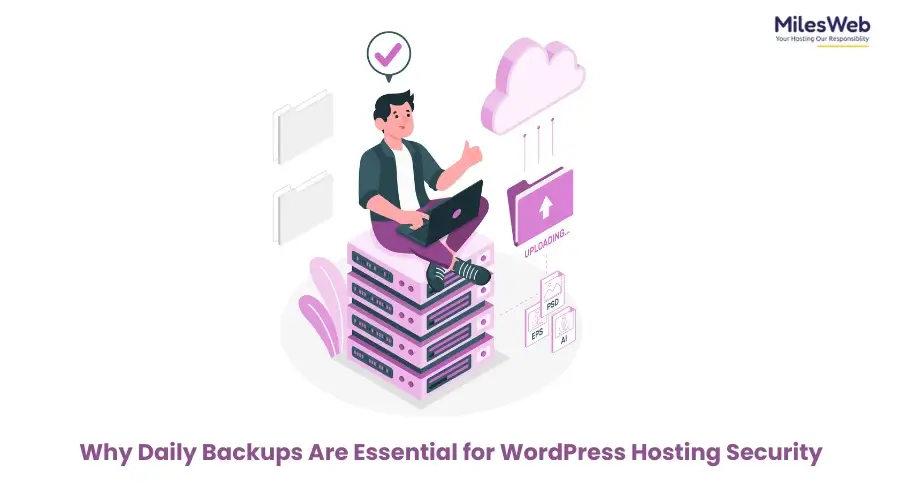
If you own an online store, portfolio site, or personal blog, ensuring complete website protection should be your priority. Unfortunately, most website managers realize the importance of a robust backup system when their website security is compromised. If you rely on cPanel WordPress hosting or think of WordPress hosting migration, ensure your host offers daily backups. It’s crucial as they decide whether you benefit from quick recovery or face significant loss.
In this blog post, we’ll explore why daily backups emerge as the first line of defense and how they help you save your precious time and hard-earned money.
Why Daily Backups for WordPress Websites Matter
WordPress is designed with a dynamic aspect in mind. It has undergone continuous change over time. Every activity, whether creating a blog post, updating themes, or conducting form submissions, keeps the system lively. This dynamism is vital, but it also indicates your website needs regular backups to prevent any loss for your website and business.
Take daily backups as a crucial protection net with Time Machine potential. Disaster happens with your website, whether a bad plugin update or an accidental deletion; you can conveniently restore your e-commerce site to how it was before the disaster. It’s more relevant if you’re running a busy e-commerce platform or a viral blog.
Don’t have a reliable backup to secure your website data? It can be disastrous. Choosing a hosting solution with a regular backup feature makes it worry-free, allowing you to focus on expanding your website reach.
Real-World Threats for a WordPress Website
It’s surprising but true that many people underestimate the severity of threats attacking their websites. Here’s a glimpse of common issues that hamper your website at any time:
- Plugin Conflicts: Several times, the plugin functions seamlessly during testing, but crashes your live site once launched.
- Hacking Attempts: As one of the popular CMS platforms, WordPress attracts unwanted attention from cybercriminals. They often target vulnerabilities of outdated themes and plugins.
- User Errors: A minor mistake, like unwillingly changing settings or deleting a webpage, can stop your website’s flow.
- Server Failures: Sometimes, hardware can stop working all of a sudden. Without the support of reliable off-site backups, e-commerce websites could be at serious risk.
No matter what causes the disaster, a daily backup facility lets you reverse the damage quickly and avoid prolonged outages.
Essentials for Backup Centric WordPress Hosting
Hosting providers don’t deliver the same value for backup functionality. Many providers claim automatic backup is their specialty, but restrict backup to a weekly schedule. A robust WordPress hosting solution includes daily backups and easy restores.
- Daily Automated Backups: No compromise. Relying on last week’s backup didn’t work for your e-commerce website when you updated it yesterday.
- Offsite Storage: You must take regular backups and store them securely off-site, separate from your website server. Using remote data centers for backup adds an essential layer, no matter what happens locally.
- Easy One-Click Restore: The significance of a backup system also links with how easy it is to restore your website. Look for providers offering one-click restoration features that eliminate the need for support assistance.
- Retention Options: Daily backup is a key activity, but ensuring the retention of multiple versions over time can make your work super convenient. It allows you to select the most suitable version if the latest backup versions don’t serve the purpose.
How cPanel Simplifies Backup Management
With cPanel WordPress hosting, you get an intuitive interface that makes backup management hassle-free. Using JetBackup and Backup Wizard tools, you can schedule your website backup, download data, and restore to the best version.
The key benefit of cPanel hosting is easy accessibility. It eliminates the need to hire developers to manage it or wrestle with complex command lines. Whether planning a startup or running a small-scale business, cPanel can help accelerate the deployment without breaking your budget.
Don’t Overlook Backups During Migration
Do you want to migrate to a WordPress hosting server? Don’t take migration lightly as a straightforward process. Make sure you’ve got a complete backup of your website. Whether you’ve decided to improve website speed or ensure a higher level of security, the threat percentage is high during migrations.
Website migration isn’t just about transferring data—it includes shifting files, emails, databases, and DND records. However, mistakes, like version mismatches or misconfigured settings, can happen during migration activities. That’s why a pre-migration backup emerges as the ideal option to avoid the threat of data loss.
Some managed WordPress hosts go the extra mile to offer free website migration with a full backup of the before and after versions. These backups help during a disaster as a restore point to avoid permanent data loss.
Final Thoughts: Peace of Mind is Worth the Price
Do you think backup is overrated? Think again. Your website is more than pages. It’s one of the core aspects that influences the growth of your online business. Why risk it? Invest in long-term stability with backup-featuring web hosting solutions. Do the key attributes of the cPanel WordPress hosting solution look like an ideal choice for your website? Have you decided on WordPress hosting migration? Always choose a host who prioritizes daily backup as essential, not optional.

Maria Jain is a Senior Content Strategist and Tech Editor at Digital Web Services, with over 6+ years of experience covering digital marketing, website development, and search engine optimization. She specializes in WordPress site architecture, AI technologies, Web Hosting, topical authority models, and hands-on SaaS & affiliate tool reviews. Maria combines data-driven SEO practices with deep web design and technical insights to publish transparent guides, tool comparisons, and strategic tutorials for digital growth.