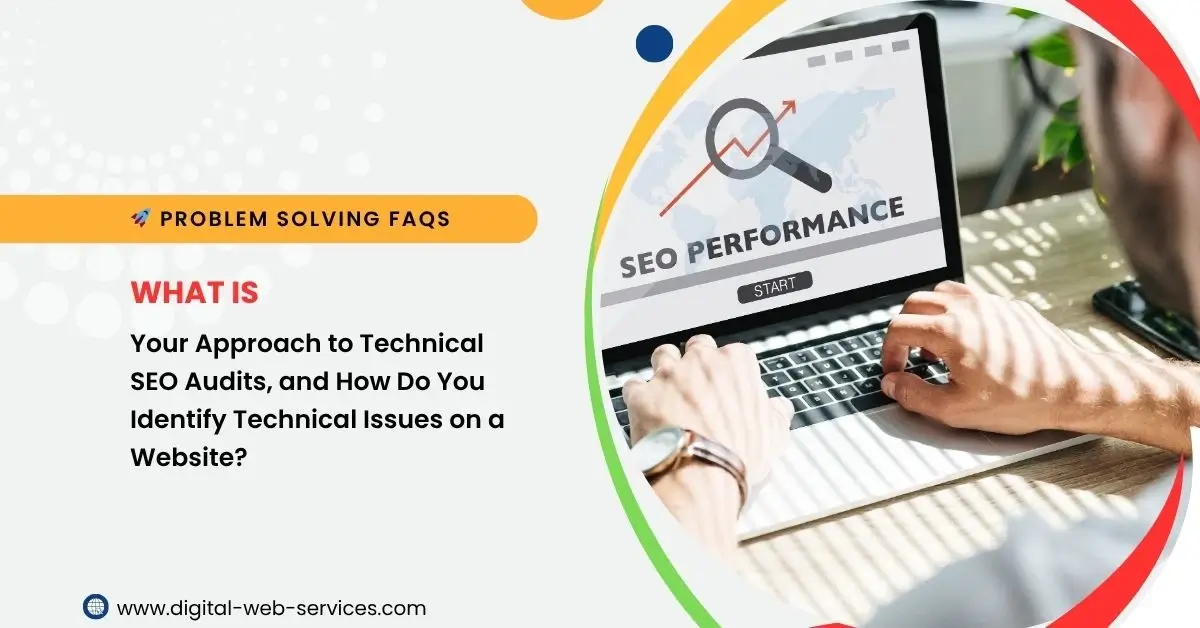
What is Your Approach to Technical SEO Audits, and How Do You Identify Technical Issues on a Website?

Problem Solving, In Short:
When conducting a technical SEO audit, my approach follows a structured process to identify and resolve issues that can affect a website’s performance in search engines. Here’s how I approach it:
- Crawl the Website: I use tools like Screaming Frog or Sitebulb to crawl the website and get a full overview of its structure. This helps identify issues like broken links, duplicate content, missing meta tags, and improper use of redirects.
- Check Site Speed: I assess page loading speed using tools like Google PageSpeed Insights or GTmetrix. Slow loading times can negatively impact user experience and rankings, so identifying areas like large image files or inefficient scripts is crucial.
- Mobile-Friendliness: Since mobile-friendliness is a ranking factor, I test the site using Google’s Mobile-Friendly Test. This helps ensure that the site’s layout and content adapt properly on various devices.
- Indexing & Crawlability: I check the robots.txt file and ensure that important pages are not blocked. I also review the XML sitemap to ensure it’s properly formatted and submitted to search engines.
- Structured Data (Schema Markup): I verify the presence of structured data (schema) to help search engines understand the content better, especially for rich results like reviews or events.
- Fixing Redirect Chains and Loops: I identify and resolve issues with 301 redirects, 302 redirects, or redirect loops that can lead to crawl inefficiencies.
- HTTPS and Security: I ensure that the site uses HTTPS, checking for any SSL certificate issues and mixed content (secure and non-secure elements on the same page).
- Core Web Vitals: I review Google Search Console’s Core Web Vitals report to ensure that the website meets the user experience metrics related to loading performance, interactivity, and visual stability.
- Internal Linking and URL Structure: I analyze the site’s internal linking structure to ensure it’s optimized for search engines. This includes checking for orphan pages and ensuring the URL structure is clean and logical.
- Content Accessibility: I check for accessibility issues like proper heading hierarchy, alt text for images, and accessible navigation.
Maria Jain is a Senior Content Strategist and Tech Editor at Digital Web Services, with over 6+ years of experience covering digital marketing, website development, and search engine optimization. She specializes in WordPress site architecture, AI technologies, Web Hosting, topical authority models, and hands-on SaaS & affiliate tool reviews. Maria combines data-driven SEO practices with deep web design and technical insights to publish transparent guides, tool comparisons, and strategic tutorials for digital growth.