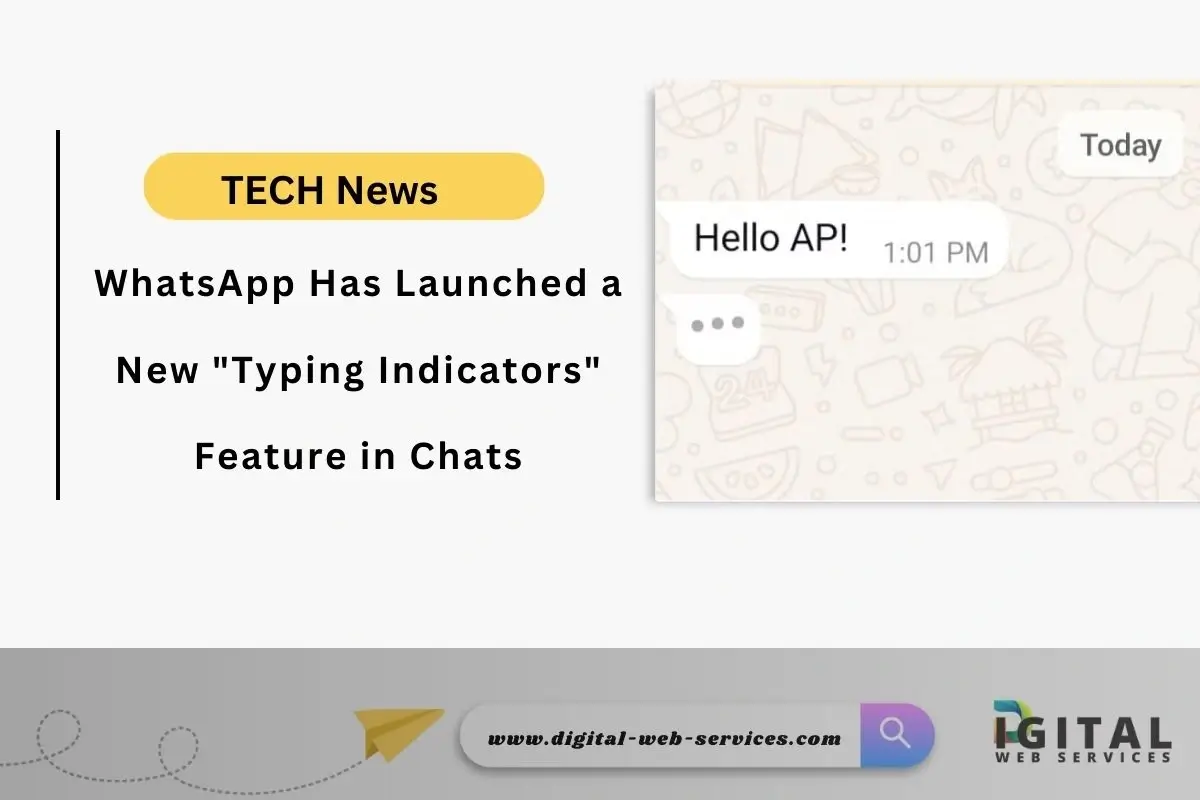
Benefits of the WhatsApp Typing Indicators Feature
- Enhanced Real-Time Engagement: By providing a visual cue that someone is typing, the feature creates a sense of immediacy and encourages users to stay engaged in the conversation.
- Improved Communication Flow: In group chats, seeing who is typing helps to avoid message overlap and confusion, making it easier to follow the conversation.
- More Natural Interaction: The feature mimics real-life conversations where you can see when someone is about to speak, making online interactions feel more natural.
- Clearer Understanding of Participation: It becomes easier to gauge who is actively involved in the discussion, especially in group chats.
How to Check for the Typing Indicators
- Update WhatsApp: Ensure you have the latest version of WhatsApp installed on your device from the App Store (iOS) or Google Play Store (Android).
- Open a Chat: Go to any individual or group chat.
- Observe the Chat Screen: When someone starts typing, you should see a “…” indicator at the bottom of the screen. In group chats, this will appear along with the person’s profile picture.
FAQs
Q: Is this feature available for everyone?
A: Yes, the feature has been rolled out to both Android and iOS users through a recent app update.
Q: What if I don’t see the typing indicators?
A: Make sure you have the latest version of WhatsApp installed. If you still don’t see it, try restarting your device or reinstalling the app.
Q: Does this feature work in both individual and group chats?
A: Yes, it works in both types of chats.
Q: Is the typing indicator always accurate?
A: The indicator appears when someone starts typing, but it might disappear if they delete what they’ve typed or switch to a different app.
Q: Can I turn off the typing indicators?
A: No, there is no option to disable this feature.
| Also Read: WhatsApp Users Can Now Scan Documents Directly Within the App
You can follow us on Google News for more interesting latest news and updates