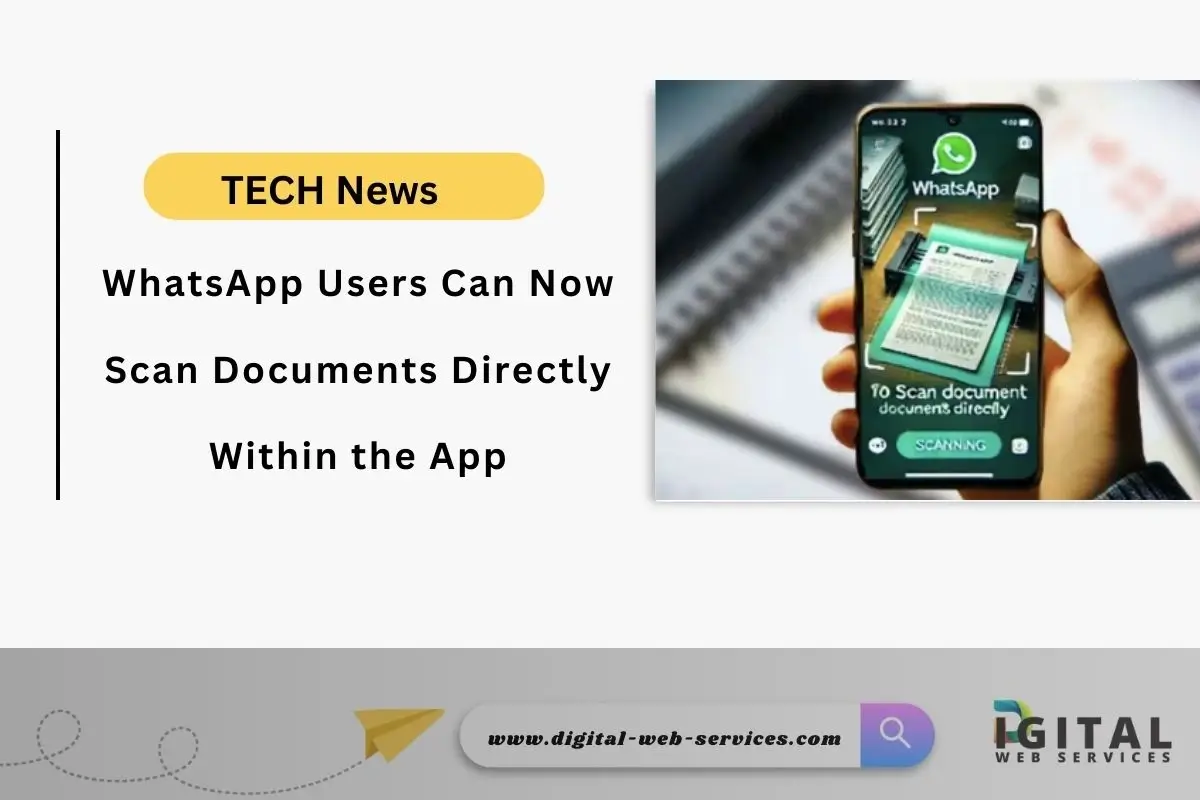
WhatsApp has introduced a convenient new feature for iOS users direct document scanning within the app. This eliminates the need for external scanning apps, streamlining the process of sharing physical documents digitally. This article details the benefits of this feature and provides a step-by-step guide on how to use it.
Benefits of In-App Scanning:
- Convenience: No need to switch between apps. Scan and share directly within WhatsApp.
- Time-saving: Streamlines the document sharing process, making it faster and more efficient.
- Improved Quality: Often produces clearer and more legible scans compared to simply taking a photo.
- Reduced File Size: Scanned documents are often smaller in file size than photos, making them easier to send and store.
- Enhanced Security: Keeps your document sharing within the secure confines of WhatsApp.
How to Use the WhatsApp In-App Scanner (iOS):
- Open a Chat: Launch WhatsApp and open the chat where you want to share the document.
- Tap the ‘+’ or Attachment Icon: Located in the bottom left corner of the chat screen.
- Select “Document”: This will open your device’s file browser.
- Tap “Choose Document”: This might vary slightly depending on your iOS version.
- Tap “Scan Documents”: This will activate your device’s camera for scanning.
- Position the Document: Hold your device steady over the document you want to scan. Ensure good lighting for optimal results.
- Capture the Scan: WhatsApp will automatically detect the edges of the document. You can manually adjust the cropping if needed. Tap the circular capture button or wait for auto capture.
- Review and Adjust: After capturing the scan, you can review it, rotate it, or retake it if necessary.
- Add More Pages (Optional): If your document has multiple pages, tap the “+” button to scan additional pages.
- Send the Document: Once you’re satisfied with the scan(s), tap the send button (paper airplane icon) to share the document in the chat.
Example Scenario:
Imagine you need to quickly share a signed contract with a colleague. Instead of taking a photo of the contract, which might be blurry or poorly lit, you can use WhatsApp’s in-app scanner. This ensures a clear, legible, and professional-looking digital copy.
FAQs:
Q1. Is this feature available on Android?
Ans: As of now, this feature is rolling out for iOS users. There has been no official announcement about Android availability yet.
Q2. What file format are the scanned documents saved as?
Ans: Scanned documents are typically saved as PDFs, which are widely compatible and maintain formatting.
Q3. Is there a limit to the number of pages I can scan?
Ans: While there isn’t a stated limit, scanning an excessively large number of pages might affect performance.
Q4. What if the scan quality is poor?
Ans: Ensure good lighting and a steady hand while scanning. You can also try adjusting the cropping manually or retaking the scan.
Q5. Do I need to update WhatsApp to use this feature?
Ans: Yes, ensure you have the latest version of WhatsApp installed from the App Store to access this feature.
Conclusion
This new WhatsApp feature significantly simplifies document sharing, making it a valuable tool for both personal and professional use. By eliminating the need for separate scanning apps, WhatsApp enhances user experience and streamlines communication.
| Also Read: Google Has Integrated AI Into Its Search Engine, Introducing Several New Features
You can follow us on Google News for more interesting latest news and updates

Maria Jain is a Senior Content Strategist and Tech Editor at Digital Web Services, with over 6+ years of experience covering digital marketing, website development, and search engine optimization. She specializes in WordPress site architecture, AI technologies, Web Hosting, topical authority models, and hands-on SaaS & affiliate tool reviews. Maria combines data-driven SEO practices with deep web design and technical insights to publish transparent guides, tool comparisons, and strategic tutorials for digital growth.